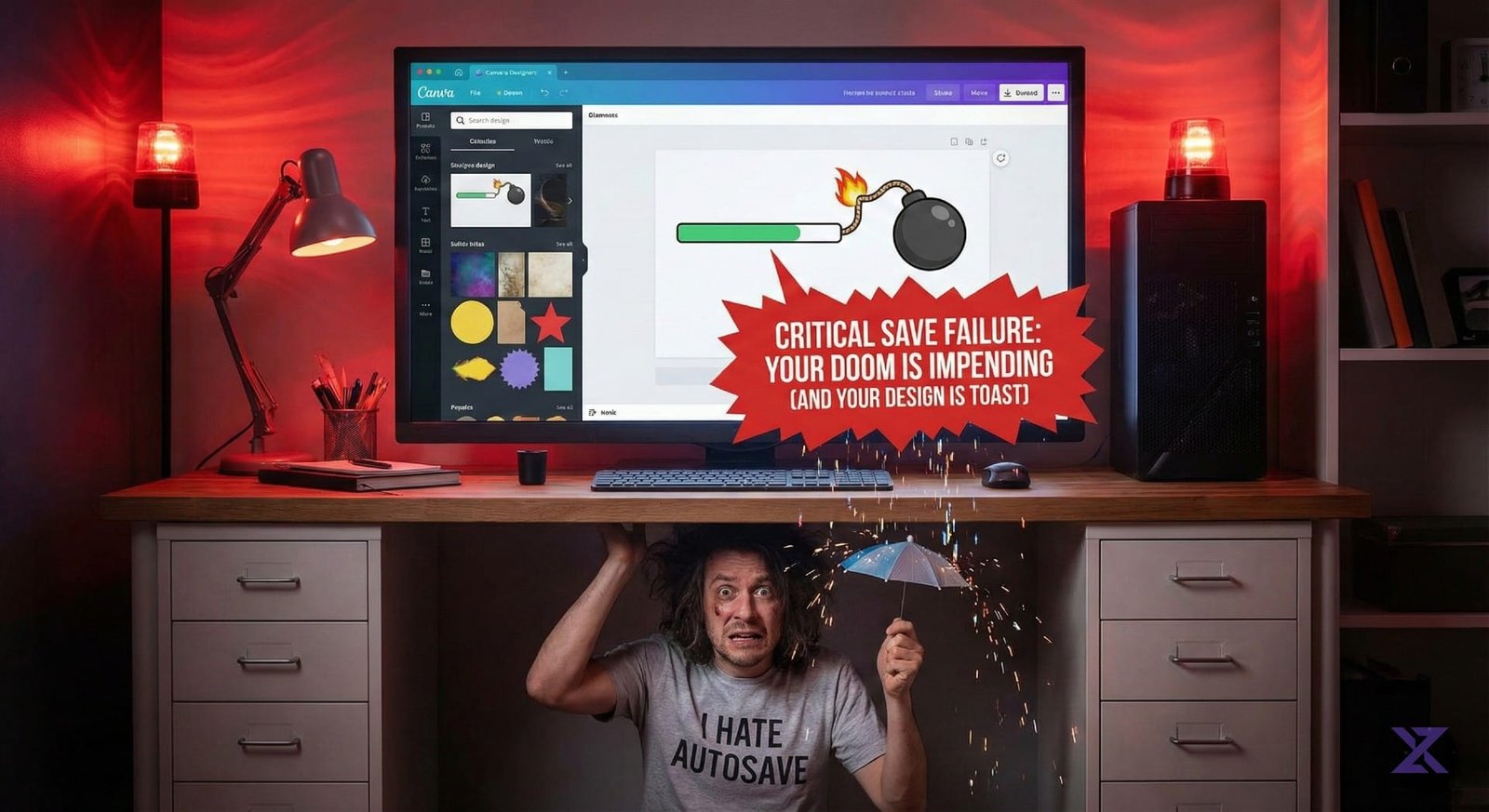
If you are staring at a “Saving…” spinner that never stops or getting a “Failed to save” error on Canva right now, take a deep breath: It’s not just you.
While the official Canva Status page may currently show “All Systems Operational,” real-time user reports tell a different story.
As of late afternoon on Wednesday, December 17 (CST), reports are spiking across social media and outage trackers indicating that thousands of users are struggling to save their latest designs.
What’s Happening?
Users are reporting a specific issue where the Canva editor functions normally, but changes fail to save to the cloud. This is a particularly frustrating glitch because it allows you to keep working, only to realize later that your progress hasn’t been secured.
Key Symptoms Reported Right Now:
- Infinite “Saving…” Loop: The status bar at the top of the editor gets stuck.
- Error Pop-ups: Messages stating “We are having trouble saving your design.”
- Download Failures: Inability to export files because the server hasn’t “caught up” to the latest edits.
Why Is the Status Page Green?
There is often a lag between user reports and an official acknowledgment from tech companies. Automated status pages ping servers to see if they are “online,” but they don’t always detect functional errors like a database failing to write a save file.
Given the recent instability with cloud providers (including the massive Cloudflare outages earlier this month and in November), this could be a ripple effect or a new localized server issue.
What Should You Do? (Don’t Close That Tab!)
If you are currently working on a design, DO NOT close your browser tab in hopes that “restarting” will fix it. You risk losing unsaved work.
Try these safe workarounds instead:
- Wait it out: Keep the tab open. Often, these glitches are momentary hiccups. The system may retry and succeed in a few minutes.
- Manually Copy Elements: If you have critical text or complex elements, copy (Ctrl/Cmd + C) them and paste them into a local document (like Word or Notes) just to be safe.
- Check Your Connection: While this appears to be on Canva’s end, toggling your Wi-Fi off and on can sometimes force a fresh connection to a different server.
- Monitor Social Media: Check the hashtag #CanvaDown on X (Twitter). The official @CanvaSupport account is usually faster to respond to tweets than to update their website status.
The Bottom Line
Canva appears to be hitting a rough patch this evening with saving functionality. If you are deadline-critical, hold off on major edits until you see the “All changes saved” checkmark return.

Jason
We are an Affordable Digital Marketing Agency in Shawnee with budget-friendly solutions to amplify your brand. Elevate your business without compromising quality or cost.