
SEO has changed.
For years, marketers were given simple numbers to remember:
- Keep your title under a certain number of characters.
- Write exactly 1,500 words.
- Keep your meta description within a fixed character count.
- Create a specific number of keywords per page.
- Follow a fixed formula for ranking.
But modern SEO is not that simple.
Google’s current documentation makes an important distinction between technical limits, recommended practices, and ranking factors. A technical limit tells you what a system can accept or process. It does not automatically tell you what will rank.
For example, Google says there is no fixed word count that a page needs to reach, and there is no fixed character limit for title tags or meta descriptions.
At the same time, some technical limits are very specific. Sitemaps, robots.txt files, favicons, URLs, videos, and other resources have actual requirements or constraints.
That’s why at Revolute X Digital, we recommend looking at SEO limits as technical guidelines—not ranking formulas.
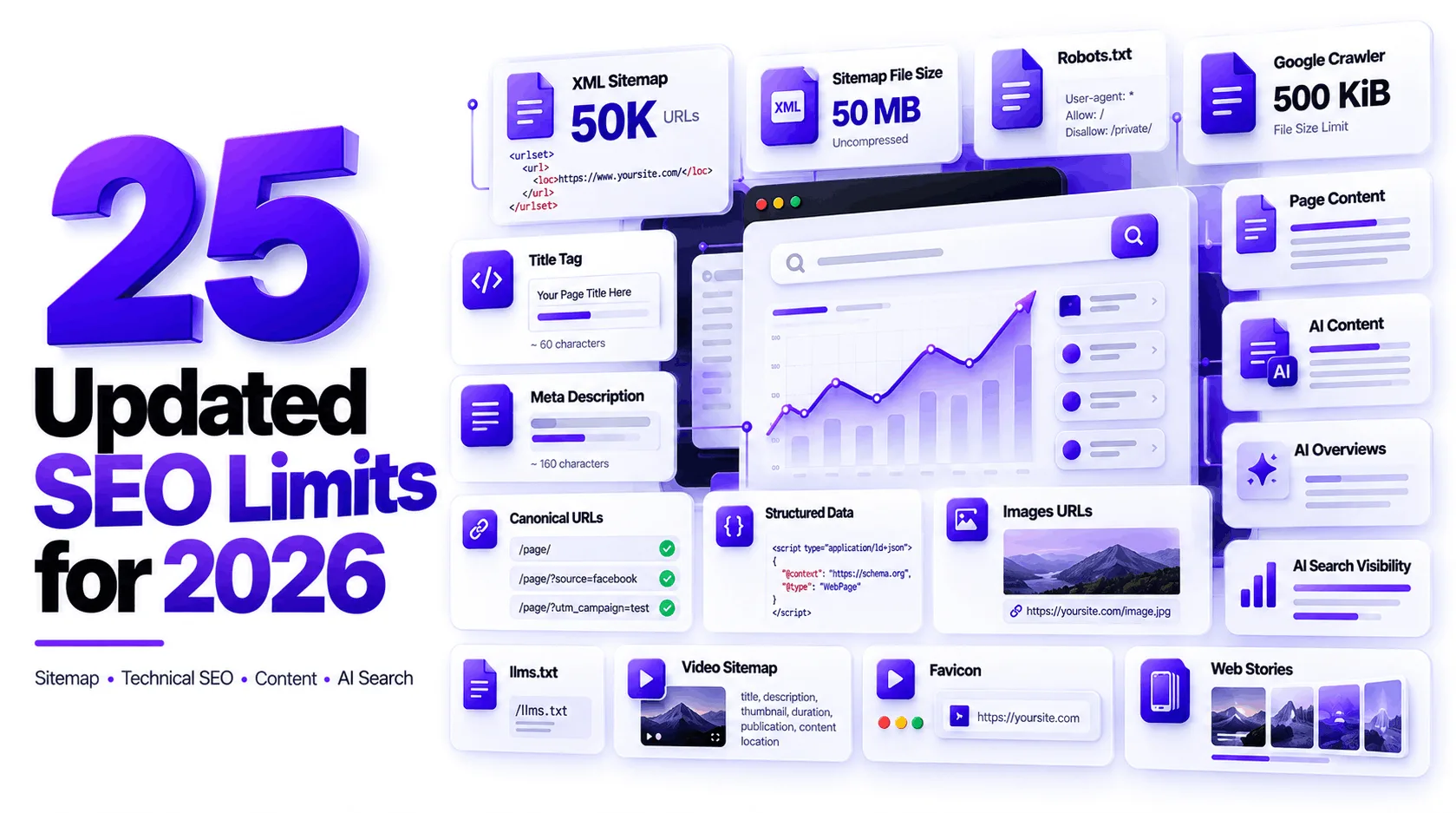
Here are 25 important limits and guidelines to keep in mind when auditing a website in 2026.
1. Sitemap URLs
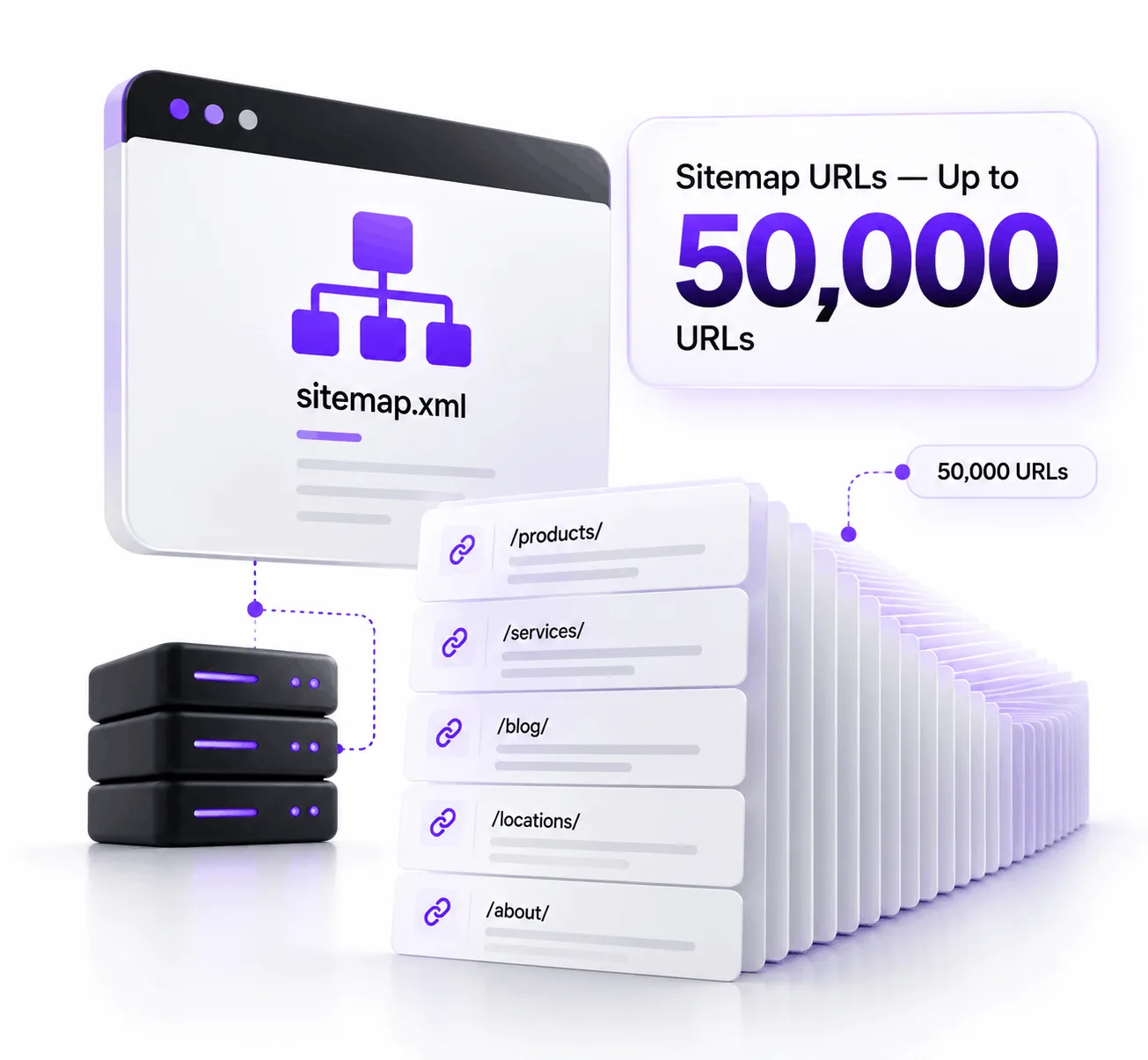
A standard sitemap can contain up to 50,000 URLs.
If a website has more URLs than that, you can split the URLs across multiple sitemap files and use a sitemap index.
For most small and medium-sized businesses, this limit is rarely a concern.
The important thing is making sure the sitemap contains the URLs you actually want search engines to discover and index.
2. Sitemap File Size
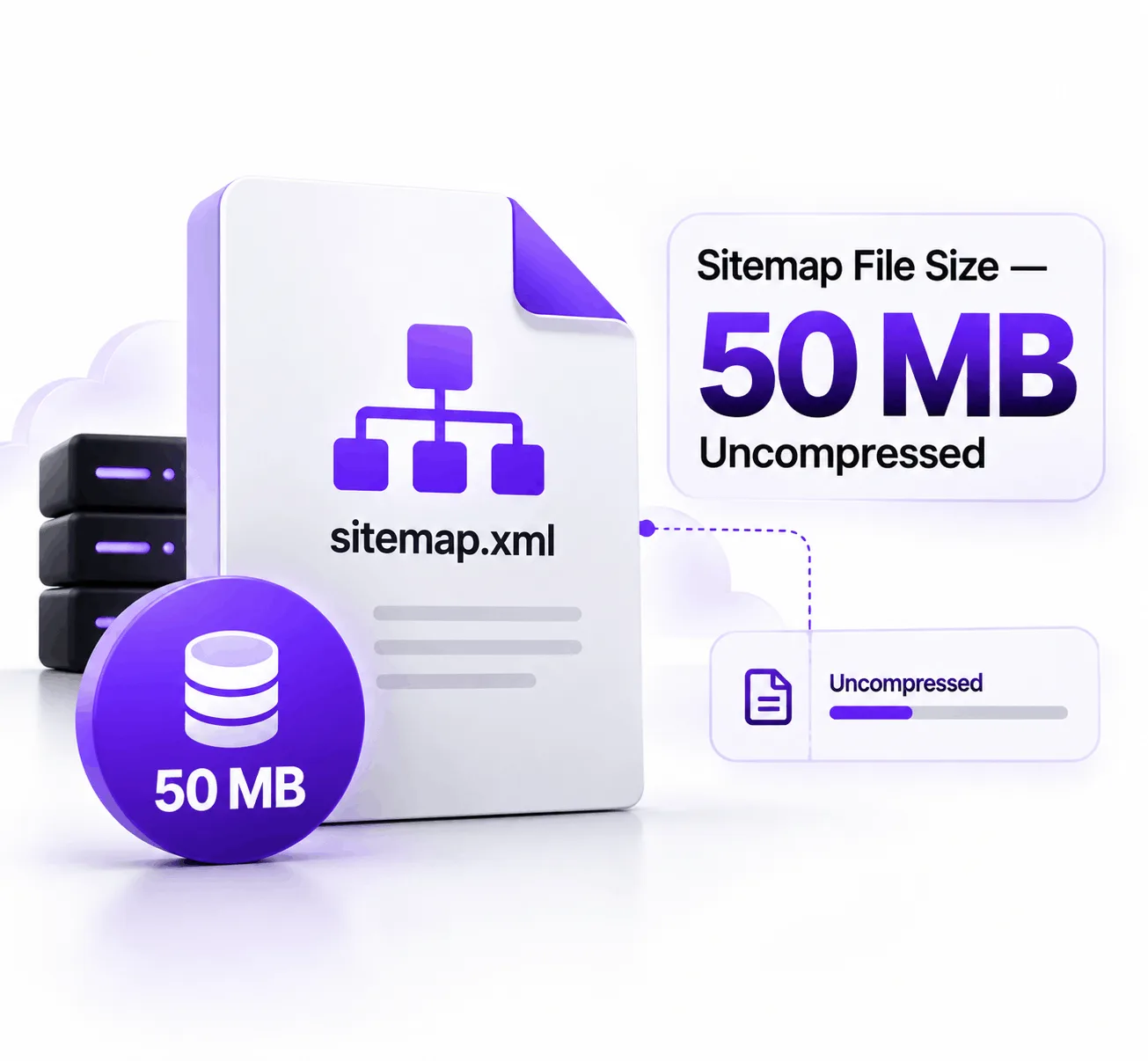
A sitemap file can be up to 50 MB uncompressed.
If your sitemap exceeds the limit, split it into multiple sitemap files.
Don’t confuse the file-size limit with the number of URLs. A sitemap can reach the URL limit before reaching the maximum file size, depending on how long the URLs and other data are.
3. Sitemap Index
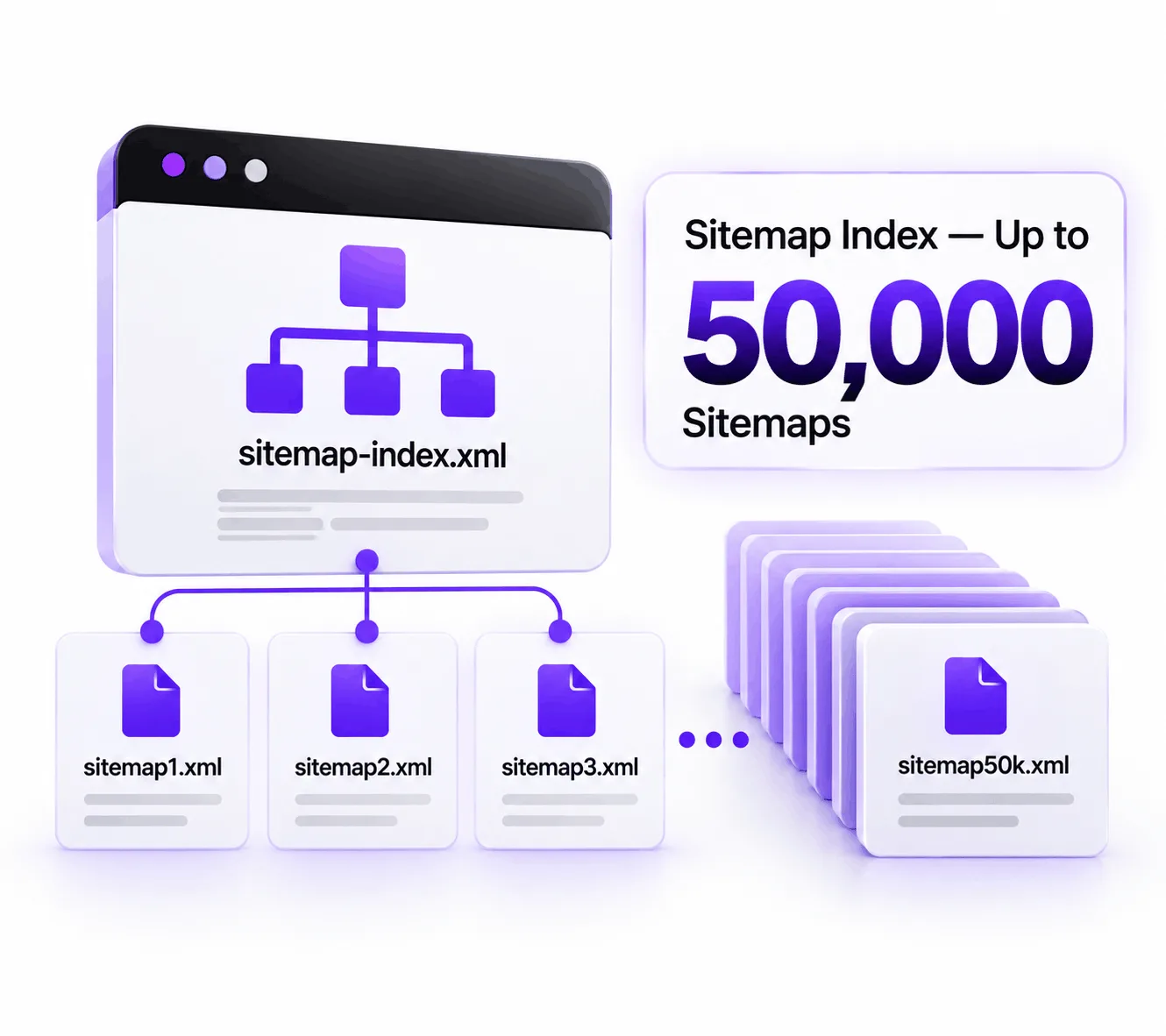
A sitemap index can reference up to 50,000 sitemap files.
This makes it possible for very large websites to organize millions or even billions of URLs into a structured sitemap system.
For a typical local business website, you will probably never approach this limit.
That’s an important lesson:
Knowing an SEO limit doesn’t mean you need to optimize toward it.
4. Image Sitemap
Image sitemaps can provide additional information about images associated with pages.
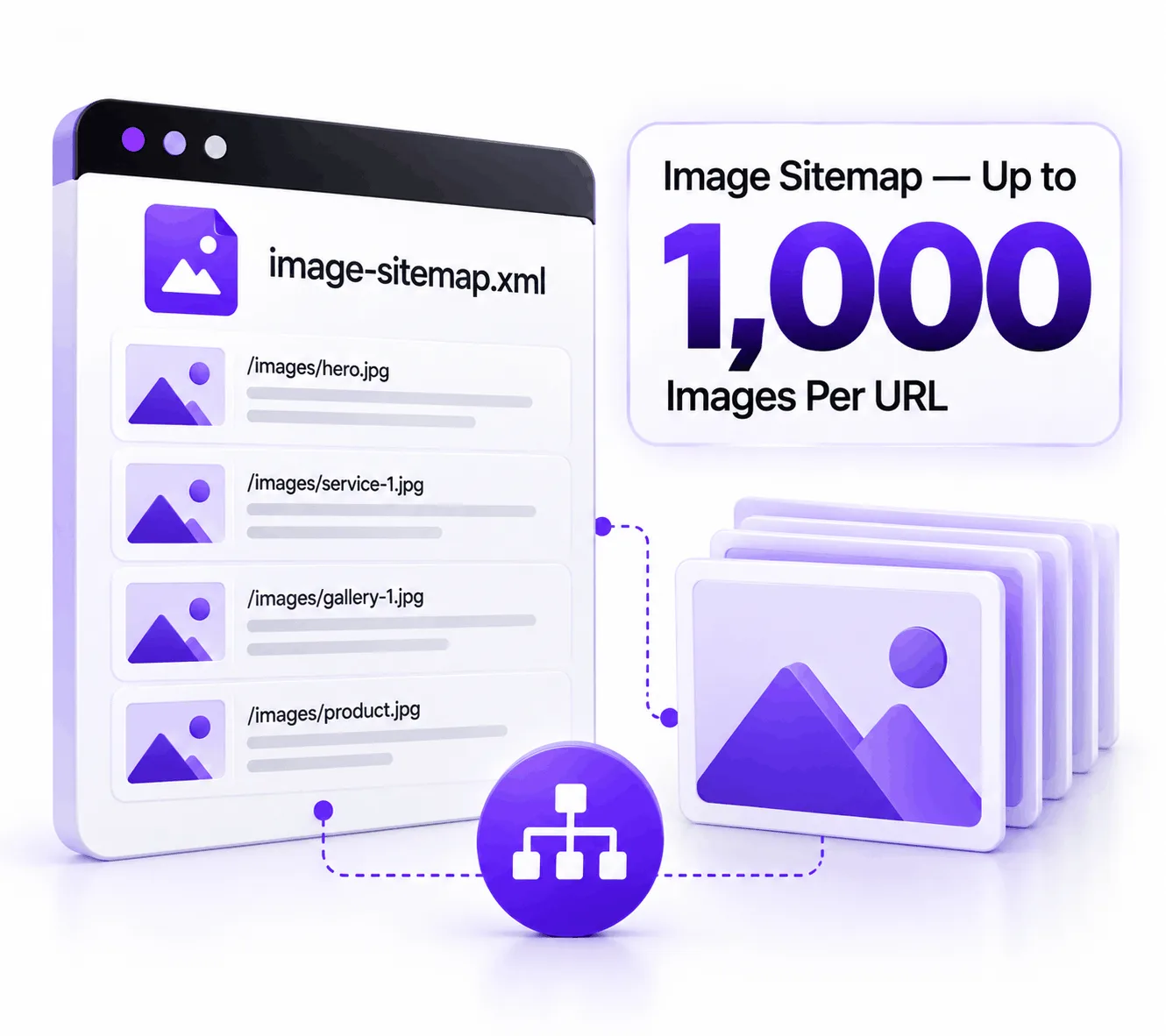
The reference chart lists a maximum of 1,000 images per URL.
For most websites, the more important issue is not reaching the maximum. It’s making sure important images are:
- crawlable
- relevant
- properly associated with the page
- given descriptive filenames
- given useful alt text where appropriate
Image SEO is about usefulness and discoverability, not filling an image quota.
5. News Sitemap
News websites have additional sitemap considerations.
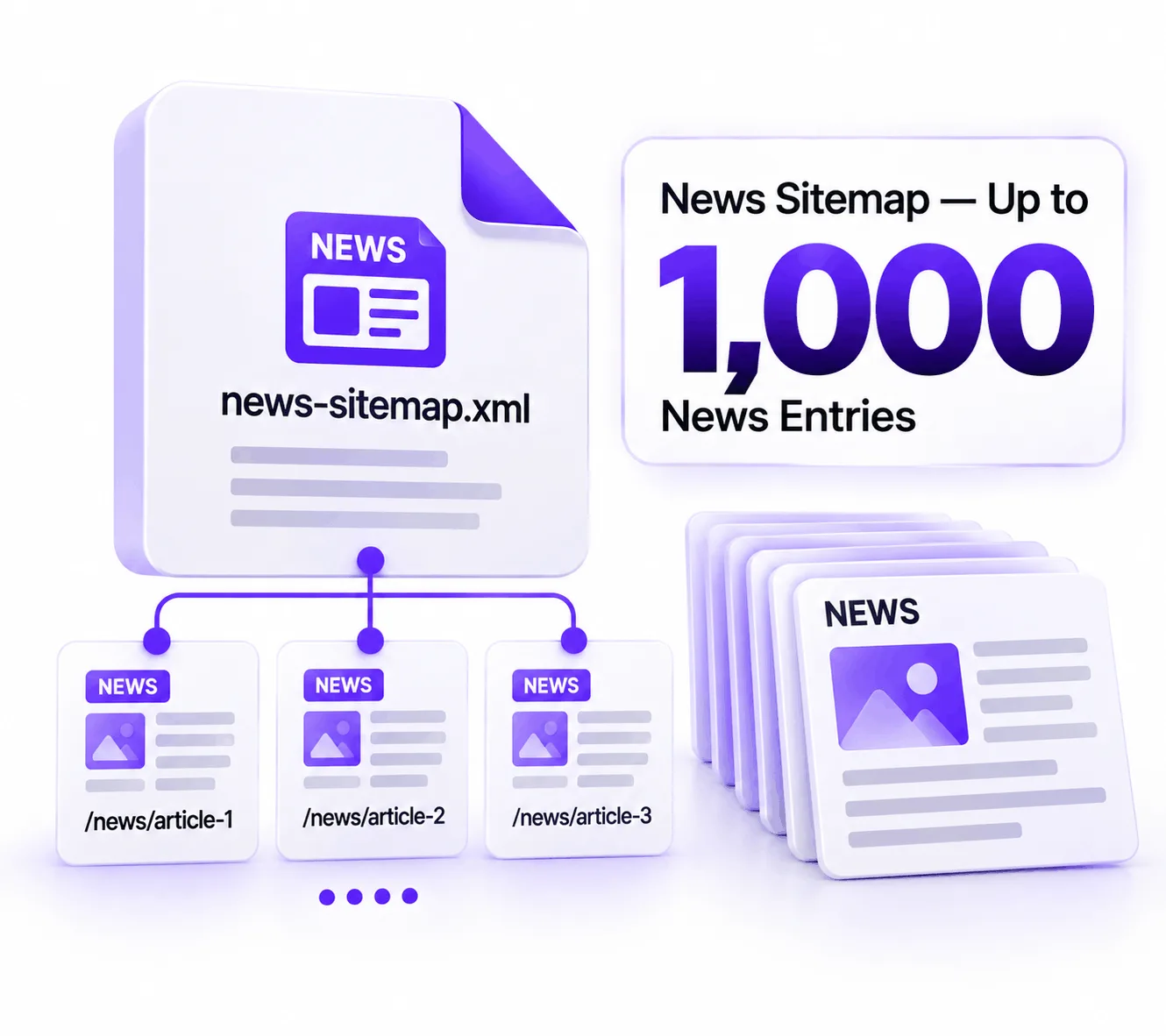
The reference guide lists 1,000 news entries for a news sitemap.
This is particularly relevant to publishers producing a large volume of news content.
A local service business such as a roofing company, law firm, contractor, or marketing agency generally doesn’t need to create a News sitemap simply because it publishes blog posts.
Use the sitemap type that actually matches your website.
6. Video Description
Video information can contain a substantial description.
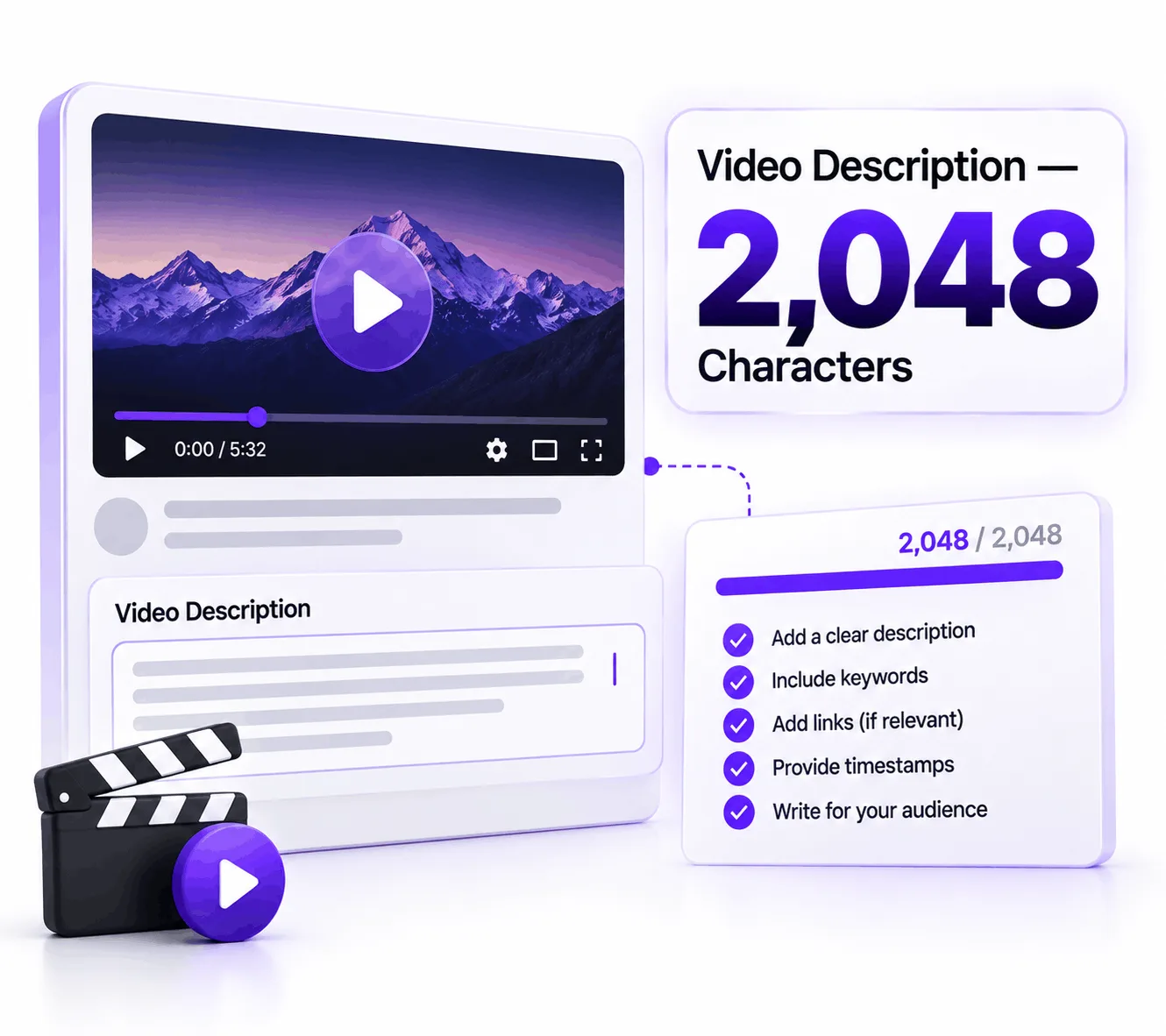
The reference chart lists 2,048 characters for a video description.
But don’t interpret that as:
“Every video needs a 2,048-character description.”
The goal is to accurately explain the video and provide useful information.
Google’s video documentation also emphasizes information such as the video’s description, thumbnail, upload date, and duration when using VideoObject structured data.
7. Video Thumbnail
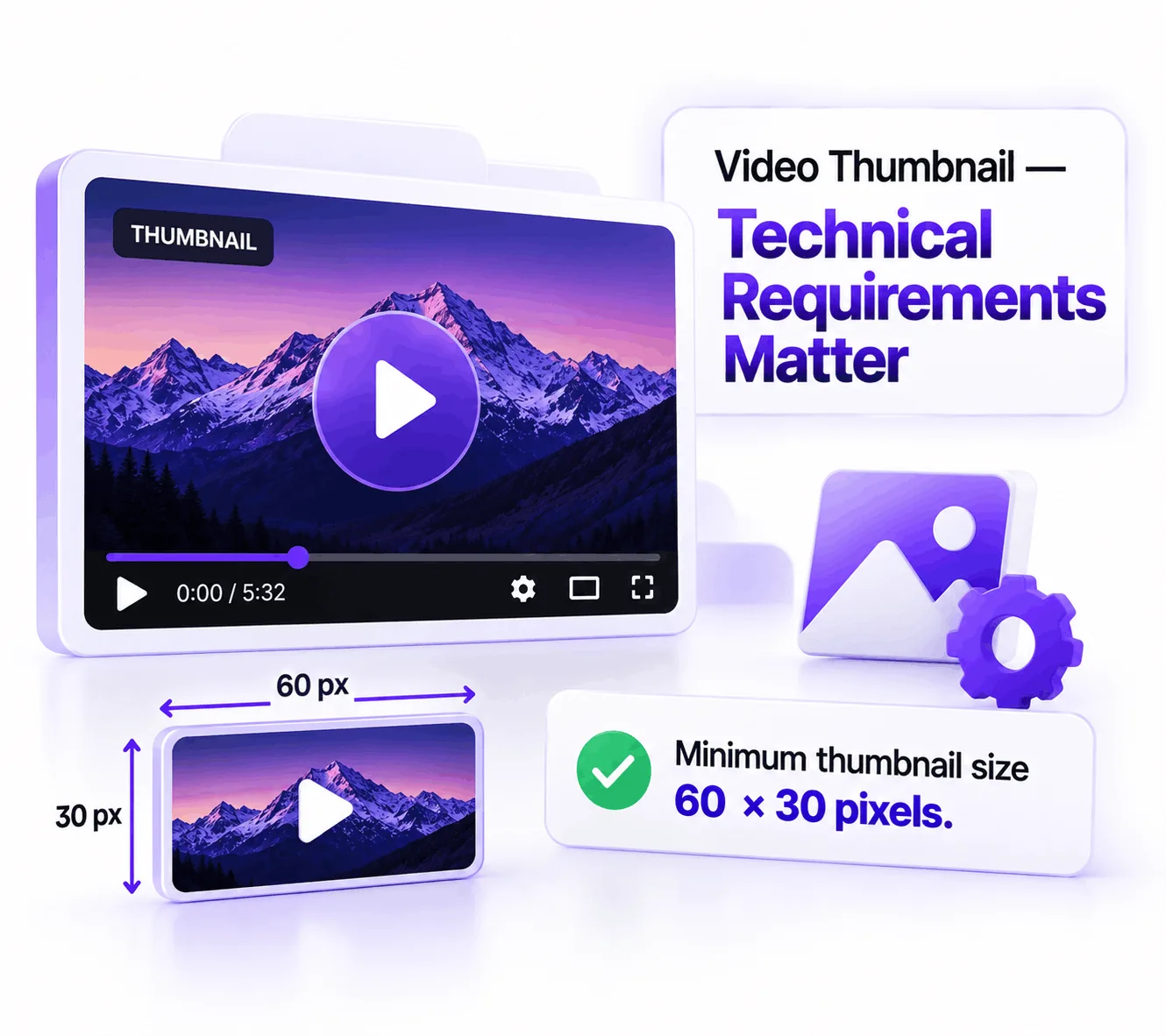
The reference guide identifies a minimum thumbnail size of 60 × 30 pixels.
However, this should not be treated as the recommended production size for a professional website.
A tiny image may technically satisfy a minimum requirement while producing a poor visual experience.
For real-world marketing, use a clear, high-quality thumbnail that works well across the surfaces where your video may appear.
Minimum technical requirement ≠ ideal marketing asset.
That’s a distinction SEO professionals should make more often.
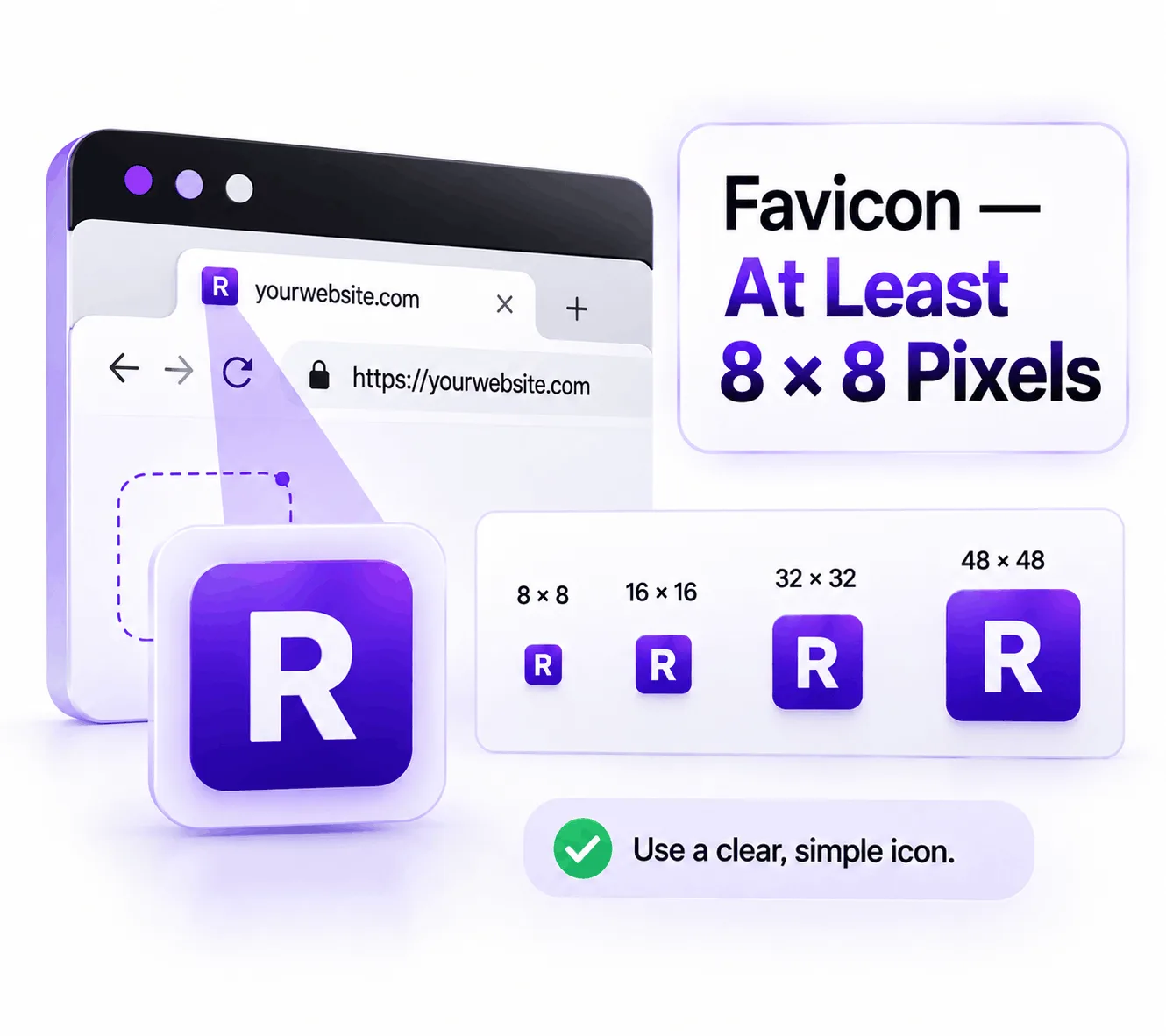
8. Favicon — At Least 8 × 8 Pixels
Google states that favicons must be:
- square
- at least 8 × 8 pixels
- crawlable
- representative of the website
Google recommends using a favicon larger than 48 × 48 pixels so it can look good across different surfaces.
So if you’re auditing a website, don’t stop at:
“The favicon is technically valid.”
Ask:
“Does the favicon actually look professional and represent the brand?”
For a business website, the second question is more useful.
9. Favicon
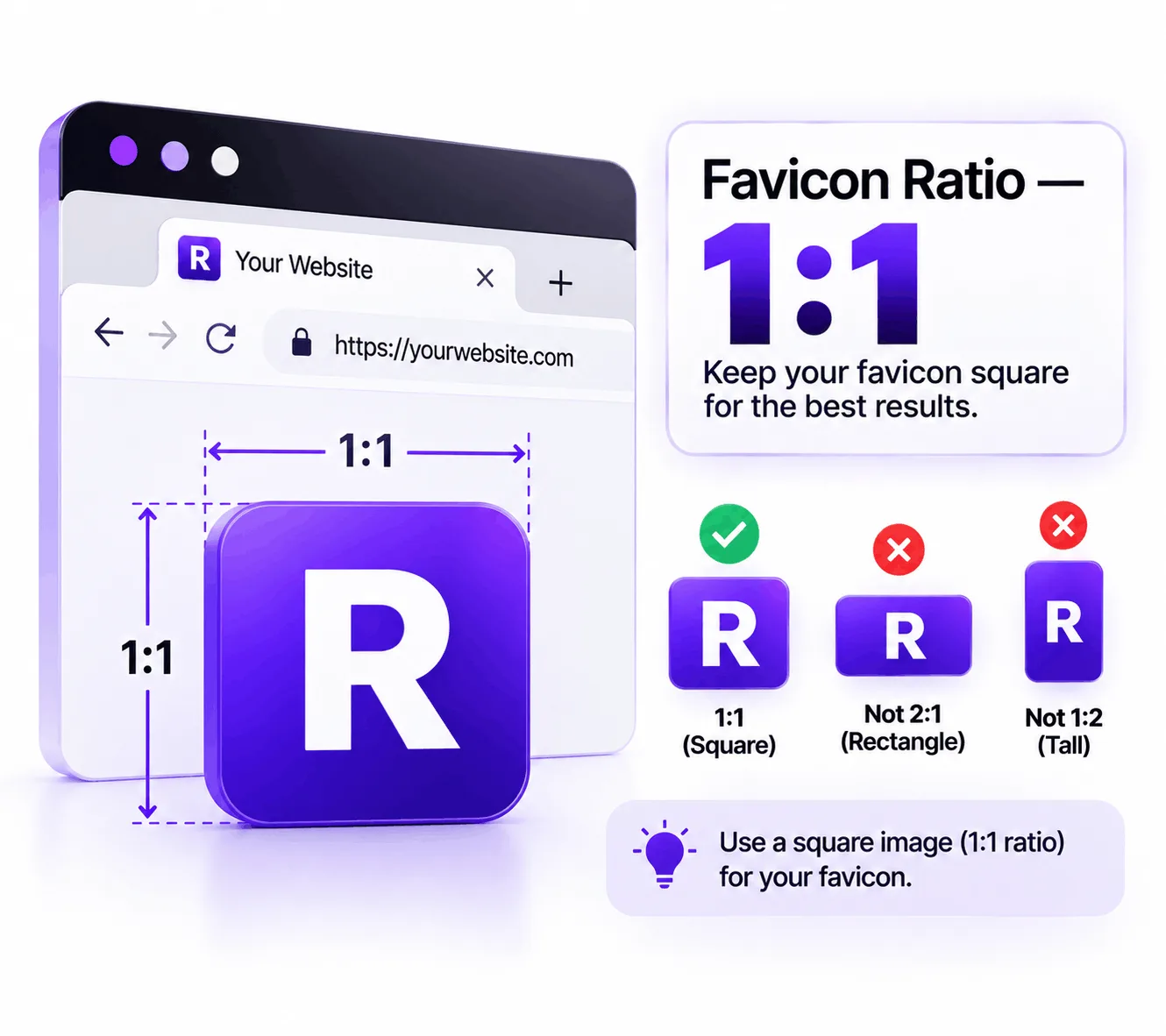
Your favicon should have a square 1:1 ratio.
For example:
- 48 × 48
- 96 × 96
- 180 × 180
- 512 × 512
The exact size can vary, but the square format is important.
Google specifically states that the favicon should be square.
10. Robots.txt
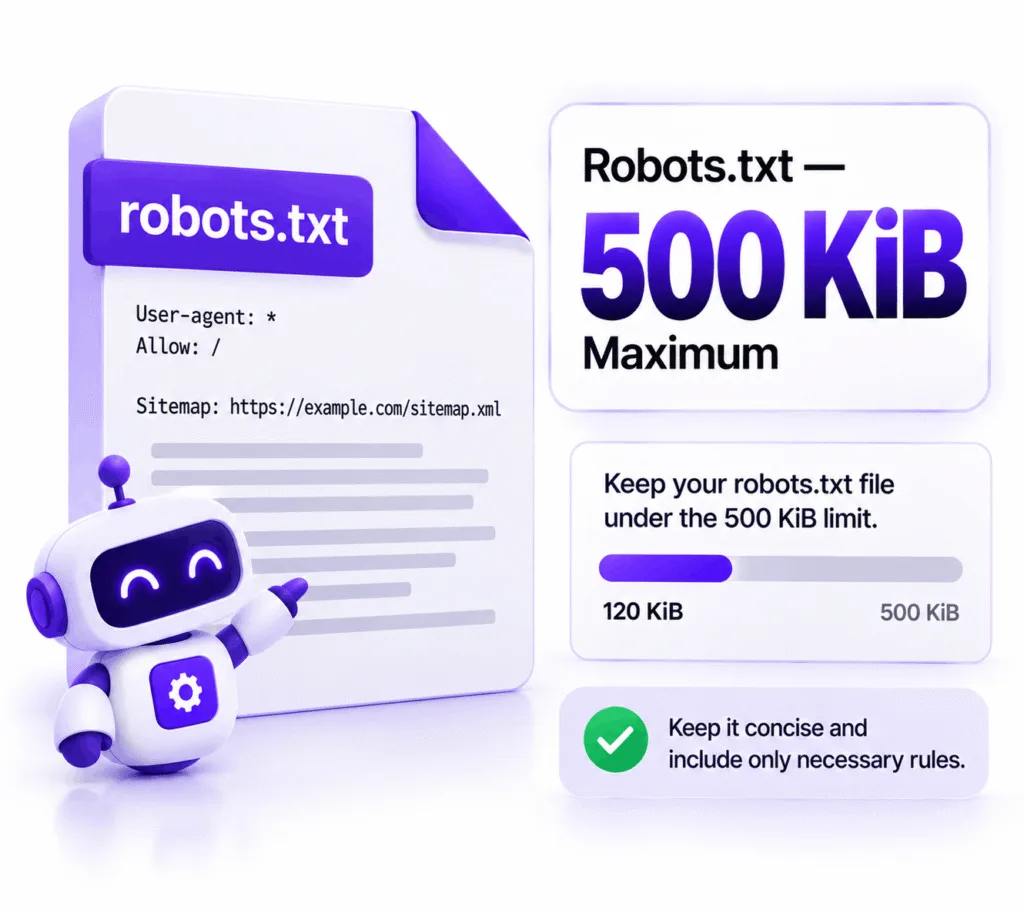
Google applies a 500 KiB size limit to robots.txt files.
Content beyond that limit may be ignored.
For most websites, this should never become a problem.
If your robots.txt file is approaching hundreds of kilobytes, that’s a sign that the file may be unnecessarily complicated.
Keep robots.txt:
- clean
- understandable
- purposeful
- limited to rules you actually need
11. Google Crawler File Size
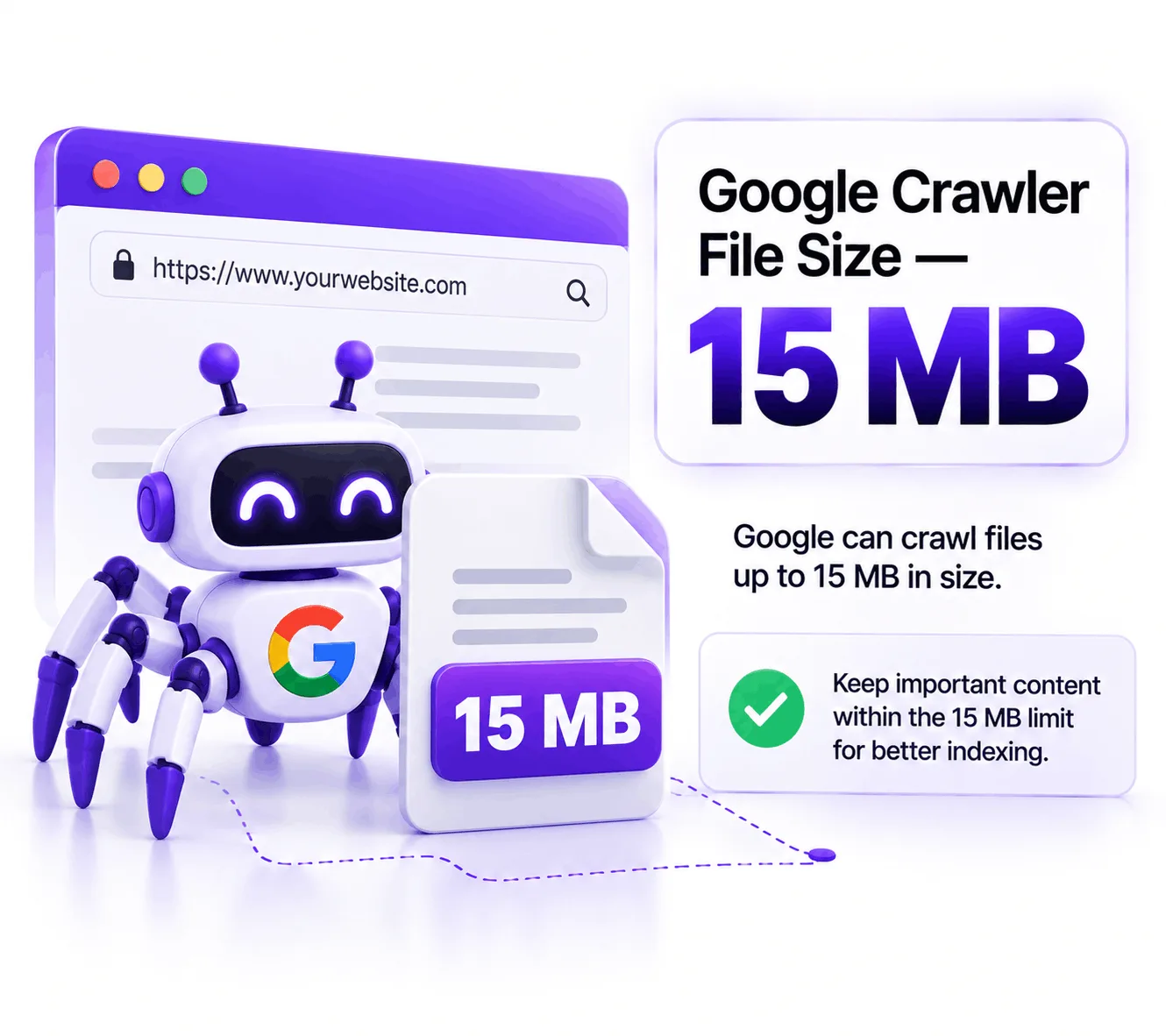
Google can crawl the first 15 MB of an HTML or supported text resource.
That does not mean you should attempt to make every webpage 15 MB.
Quite the opposite.
A page that approaches a technical processing limit deserves investigation.
Look at:
- unnecessary HTML
- excessive scripts
- embedded resources
- huge page structures
- duplicated content
- bloated page builders
- unnecessary code
Technical limits should encourage cleaner websites, not larger ones.
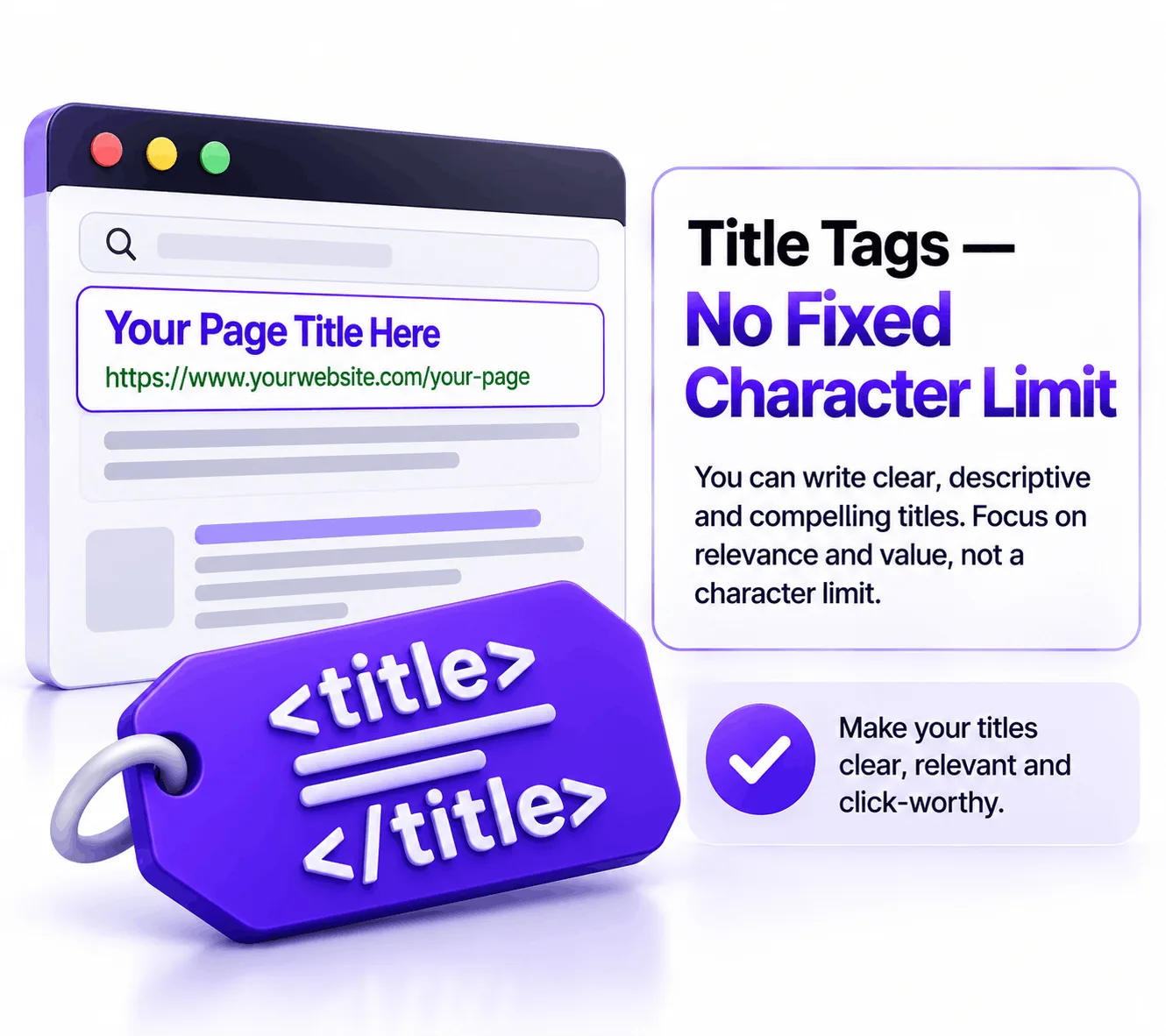
12. Title Tags
This is one of the old SEO rules worth letting go.
There is no universal fixed character limit for a Google title tag.
Google may generate title links using several sources and can modify what appears in search results. Google’s current Search documentation covers title links as a search appearance feature rather than prescribing a simple character-count formula.
Instead of obsessing over:
“Is my title exactly 55 characters?”
focus on:
- clarity
- relevance
- search intent
- brand identification
- accuracy
- compelling wording
A good title communicates what the page is about.
13. Meta Descriptions
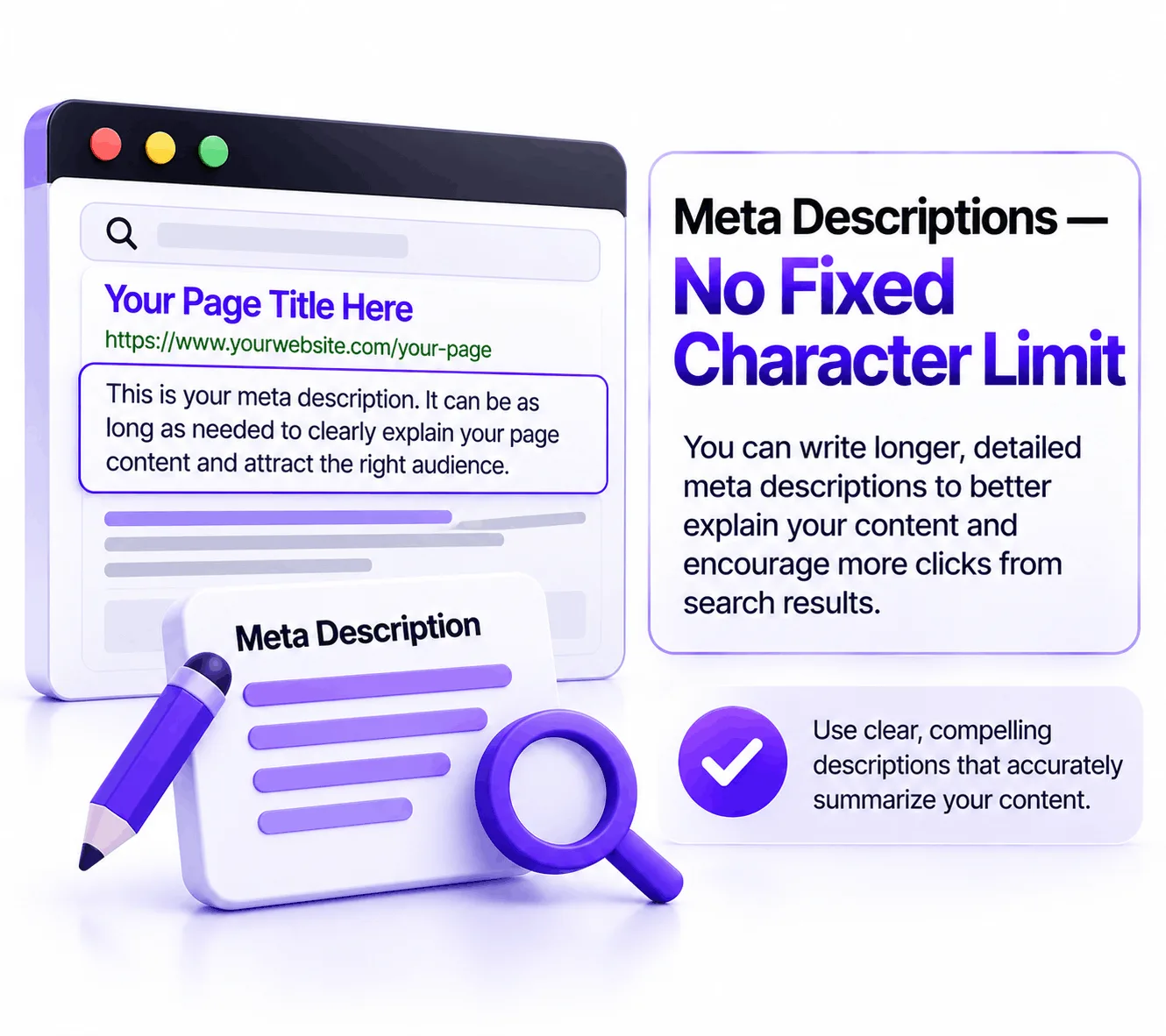
There is also no universal fixed character limit for meta descriptions.
Google can generate snippets from page content rather than always using the exact meta description you provide.
So don’t write descriptions purely to satisfy an arbitrary character counter.
Instead, make the description:
- accurate
- useful
- relevant
- compelling
- consistent with the page
Think of the meta description as a search-result message, not a ranking formula.
14. Page Content
There is no magic number of words that a page needs to rank.
A page does not become better simply because you increase it from:
700 → 1,000 → 1,500 → 2,000 words.
The right length depends on the topic and search intent.
A simple service page might answer the customer’s needs in 900 words.
A comprehensive technical guide might require 3,000 words.
The correct question is:
“How much useful information does the user need?”
Not:
“How many words does Google want?”
15. Content Length
This is closely related to the previous point.
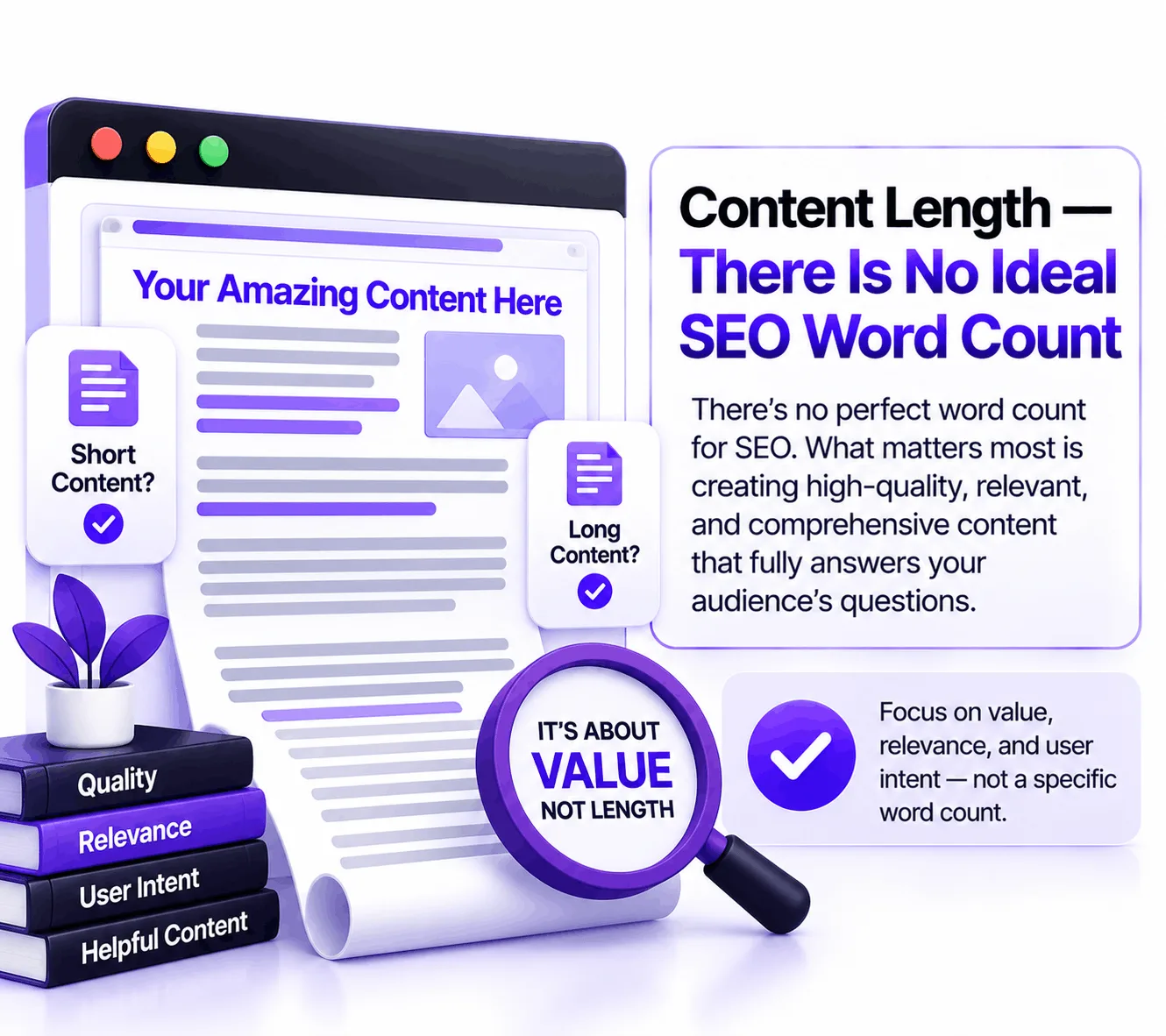
There is no universal:
“ideal SEO word count.”
Google’s systems are designed to understand and rank useful content rather than pages that reach an arbitrary word target.
Google’s spam policies also warn against creating large quantities of unoriginal content simply to manipulate search rankings.
For content teams, the better workflow is:
Search intent → User questions → Complete answer → Evidence → Original insight → Clear structure
rather than:
Keyword → Word count → Publish
16. AI Content
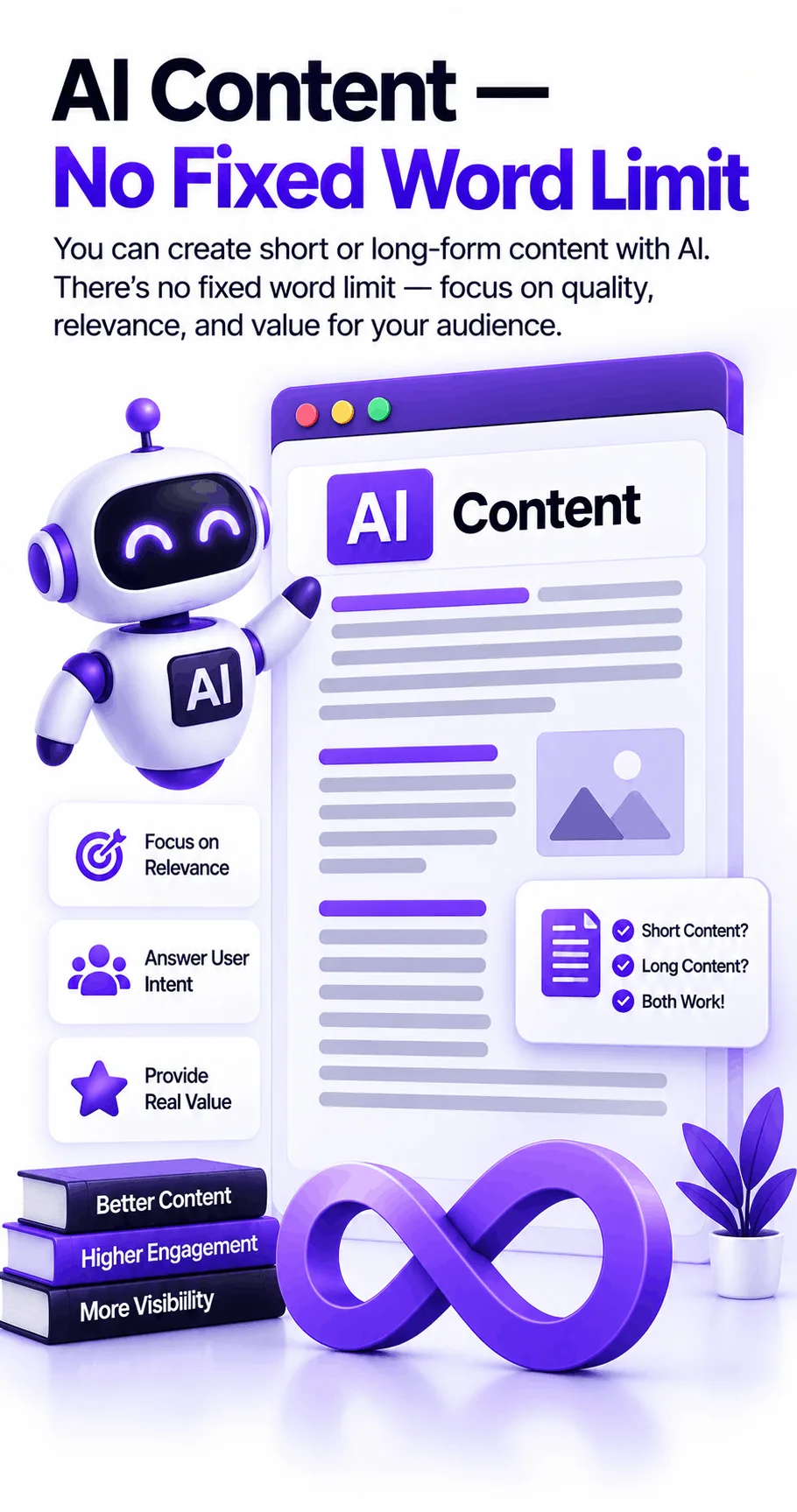
AI-assisted content does not have a special Google word-count limit.
The important question is whether the content provides value.
Google’s current spam guidance specifically warns against scaled content abuse, including generating many pages with AI or other methods when those pages provide little value and are primarily intended to manipulate search rankings.
That means the practical rule is simple:
Don’t publish AI content just because you can.
Use AI to help with:
- research organization
- outlines
- editing
- idea development
- analysis
- content workflows
But add genuine value:
- experience
- examples
- original research
- expert observations
- useful explanations
- unique data
- real business knowledge
17. Google AI Overviews
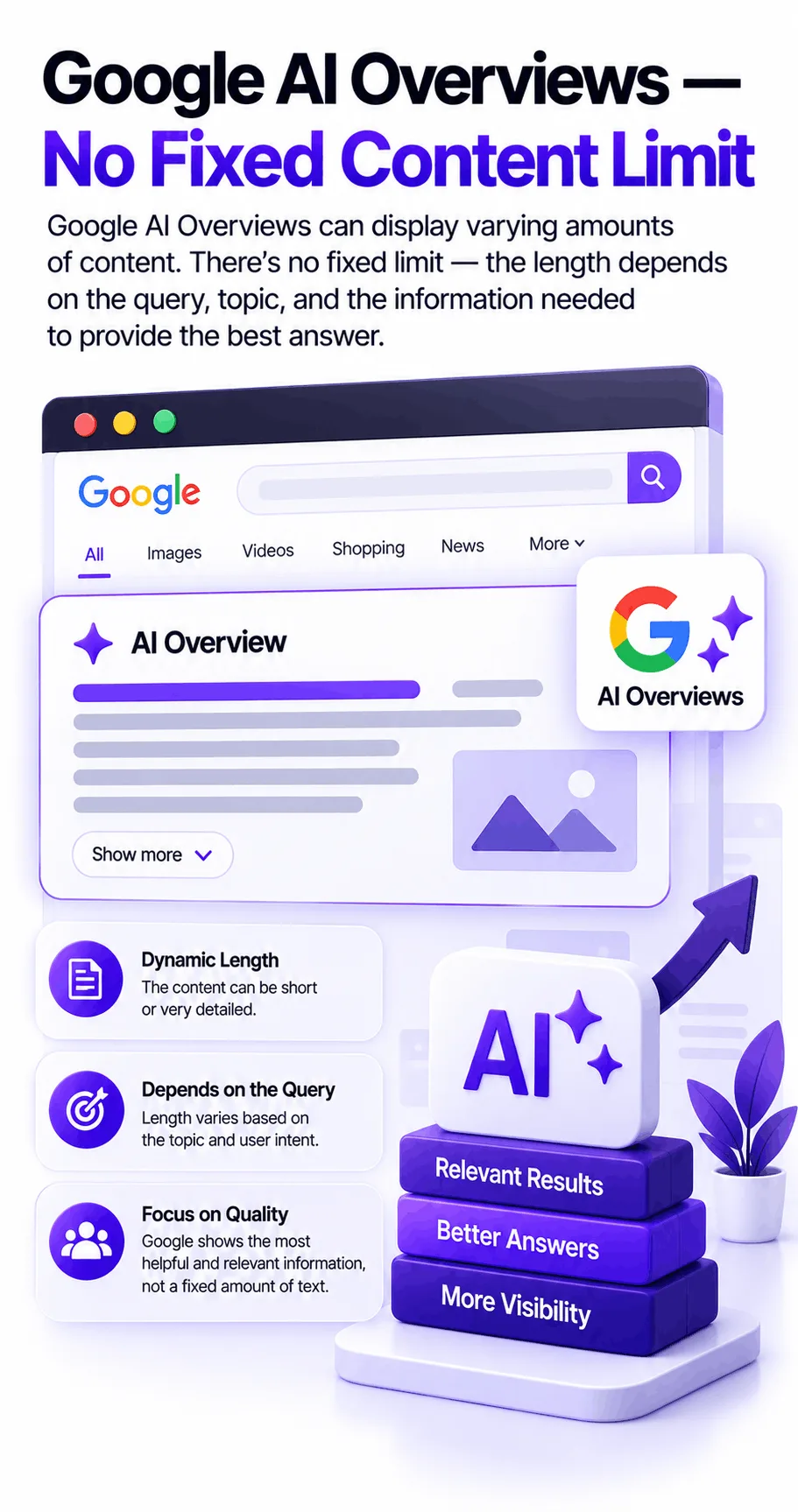
There is no published rule saying:
“Write exactly X words to appear in AI Overviews.”
Google’s AI search experiences can use information from multiple sources to generate responses.
The goal should therefore not be to create content around an imaginary “AI Overview word count.”
Instead, make your information:
- clear
- accurate
- well organized
- directly responsive to questions
- easy to understand
- supported by trustworthy information
AI search still depends on strong underlying search fundamentals.
18. AI Search Visibility
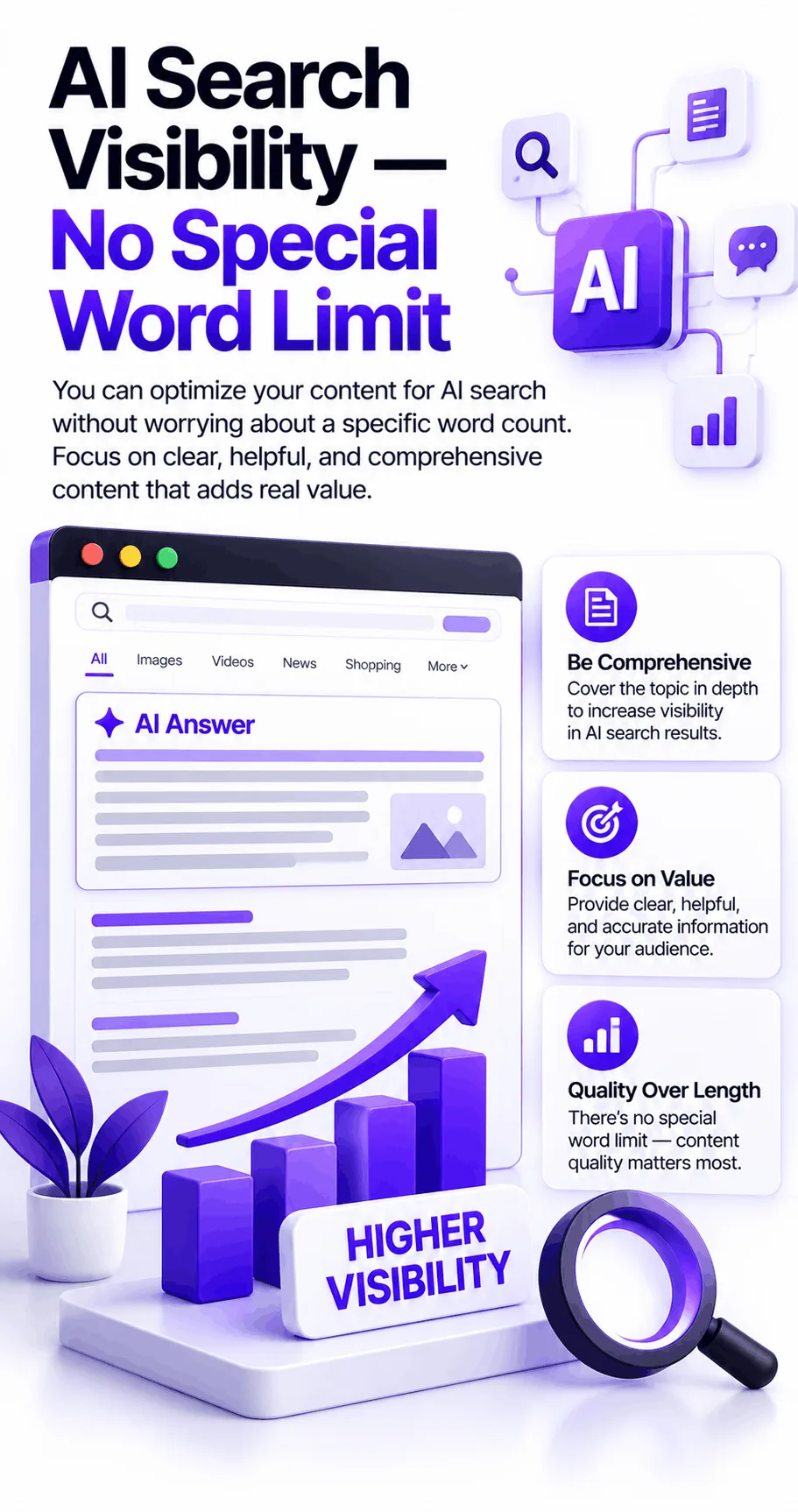
AI search visibility is not achieved by hitting a particular word count.
A 700-word page can be more useful than a 3,000-word page if it answers the user’s question better.
For AI search optimization, think about:
Entity clarity
Topic coverage
Direct answers
Supporting evidence
Clear relationships between concepts
First-hand expertise
Useful structure
Strong internal linking
The objective is to make your information understandable—not artificially long.
19. LLMS.TXT
This is one of the most important updates in the reference list.
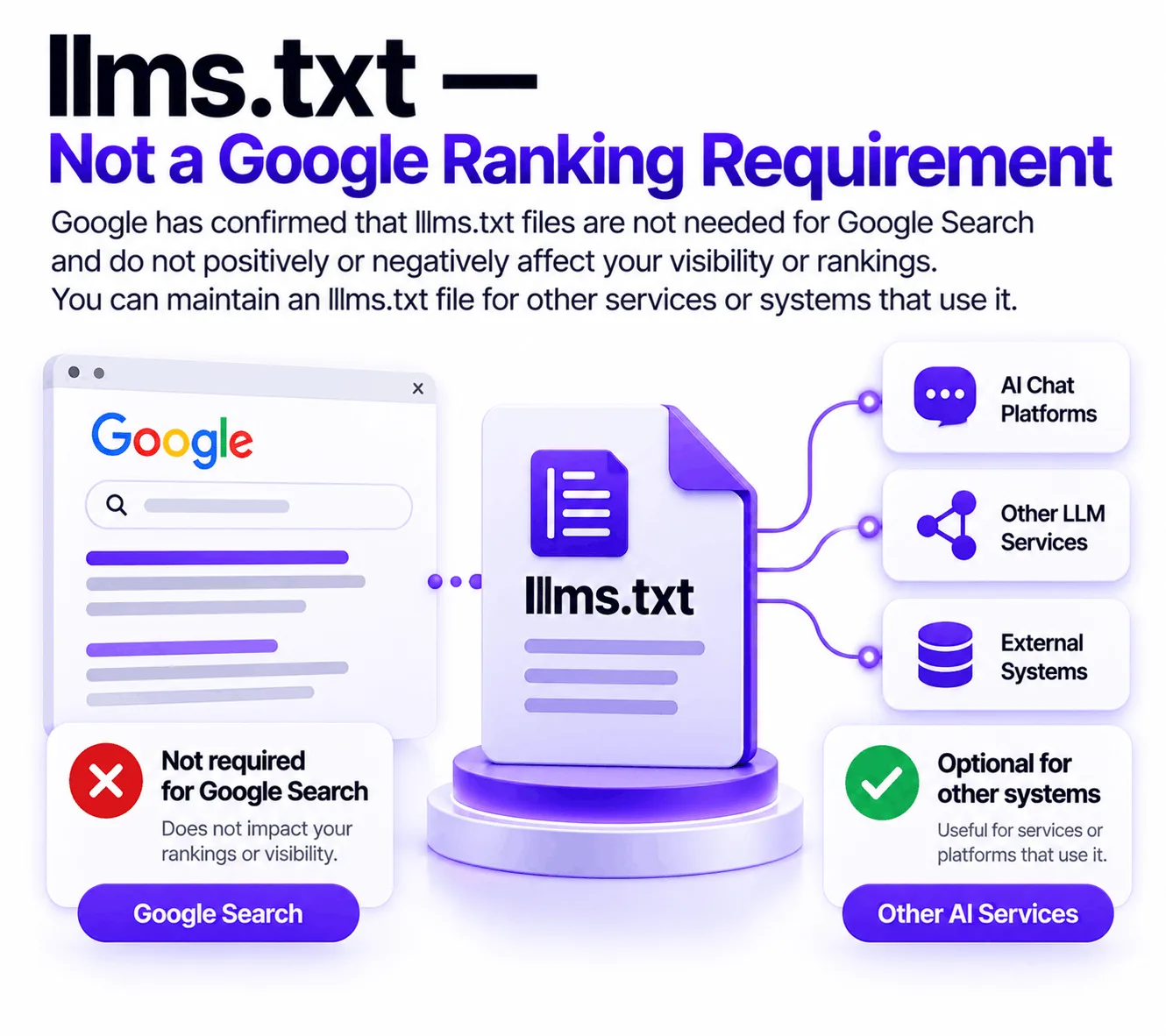
Google clarified in June 2026 that llms.txt is not required for Google Search and does not positively or negatively affect Google Search visibility or rankings. Google says you can maintain the file for other services or systems that use it.
So don’t tell clients:
“You need llms.txt to rank in Google.”
That’s not supported by Google’s current guidance.
If you use llms.txt, understand what it is actually intended to support and don’t confuse it with a Google ranking requirement.
20. Structured Data
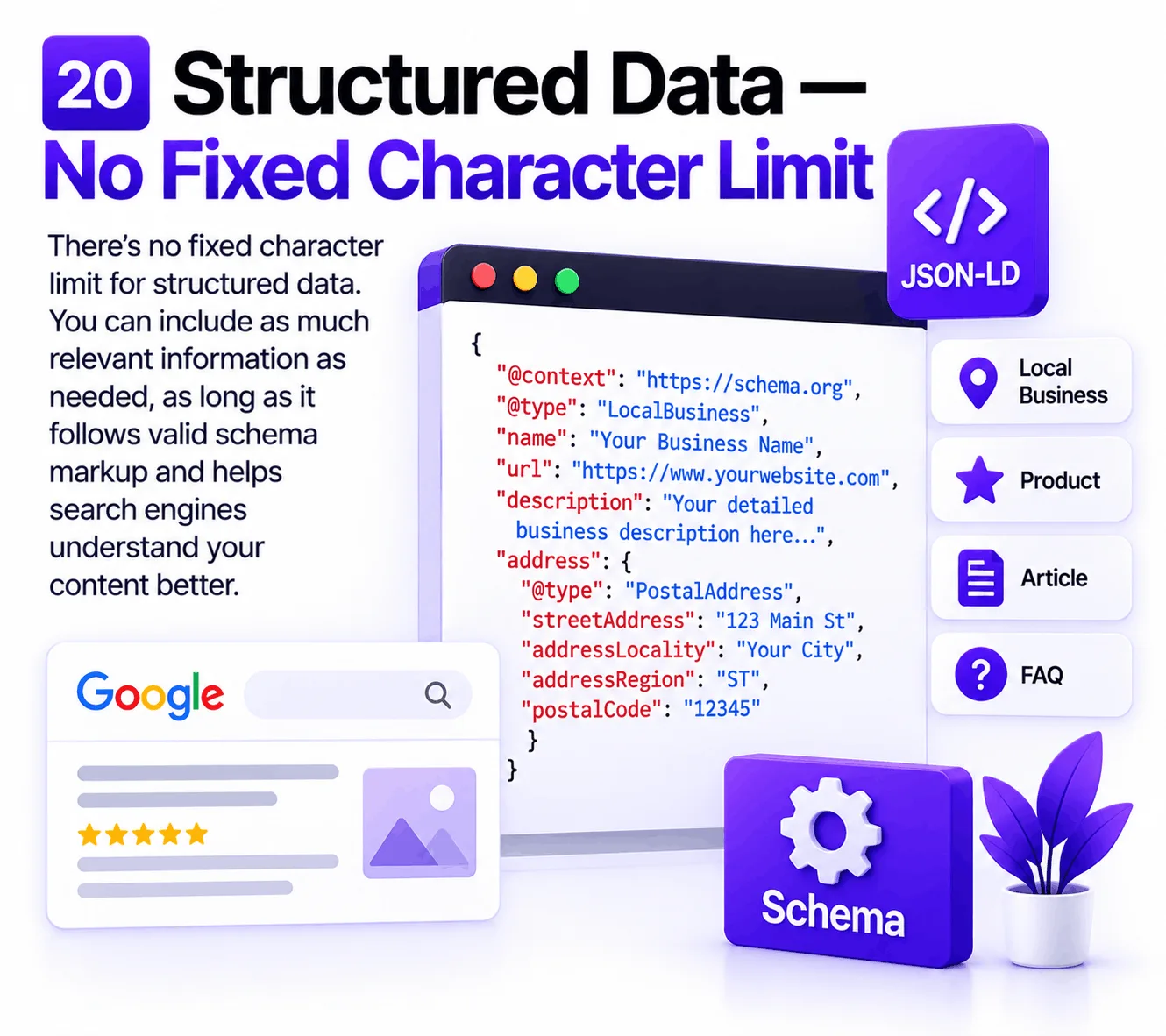
Structured data does not have one universal character limit comparable to a title tag.
Its purpose is to help search engines understand information on a page.
Google explains that structured data can help Google understand page content and potentially make pages eligible for supported search features. But structured data does not guarantee that a particular search feature will appear.
Use structured data that accurately represents visible page content.
Don’t add schema simply because:
“More schema = better SEO.”
Accuracy matters more than volume.
21. Canonical URLs
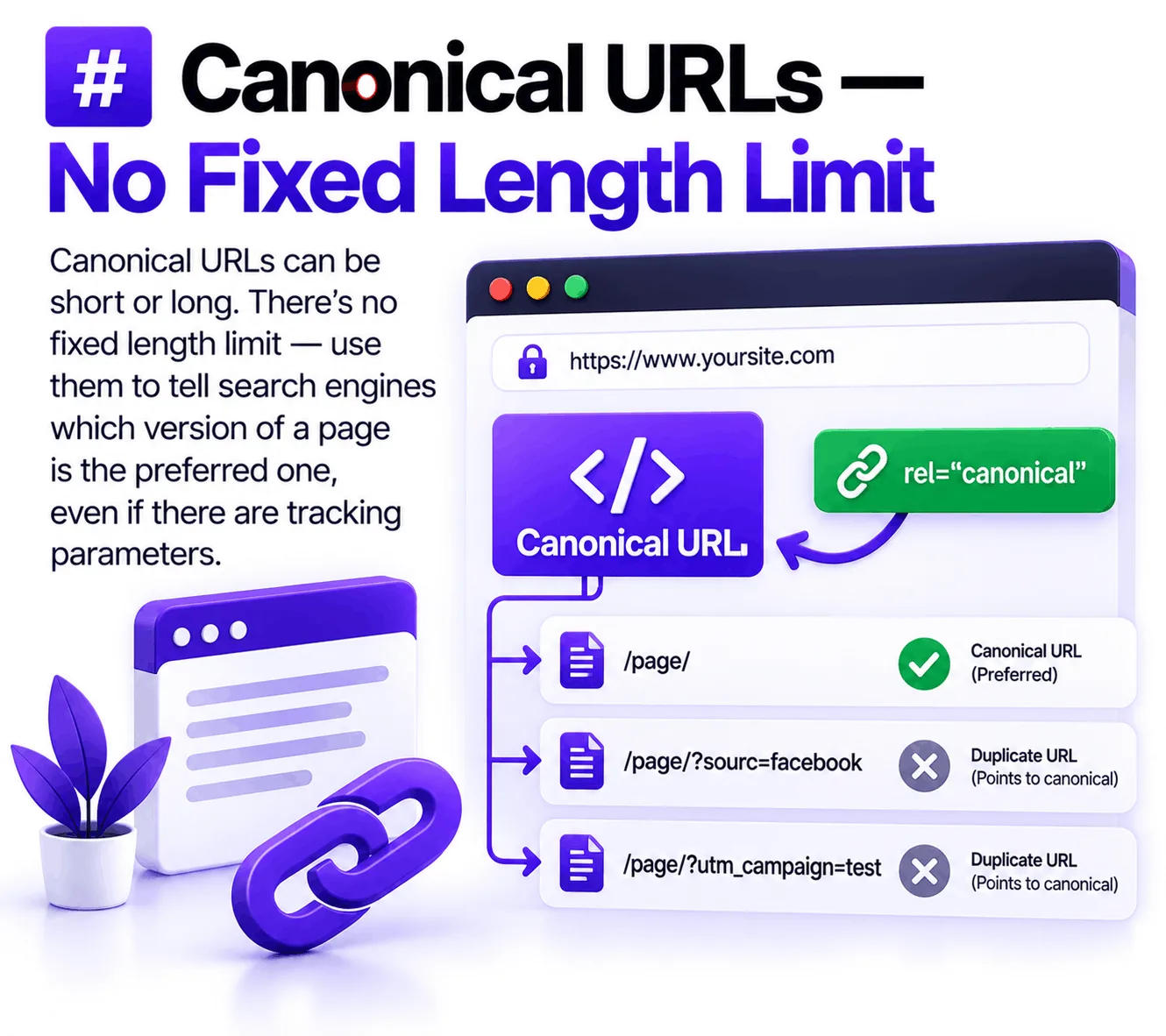
Canonical URLs don’t have a simple SEO character limit that you should optimize toward.
The important thing is that the canonical URL clearly identifies the preferred version of a page.
For example, avoid unnecessary URL variations such as:
/page/
 /page/?source=facebook
 /page/?utm_campaign=test
when those versions represent the same underlying content.
Canonicalization helps search engines understand which URL should be treated as the primary version.
22. Image URLs
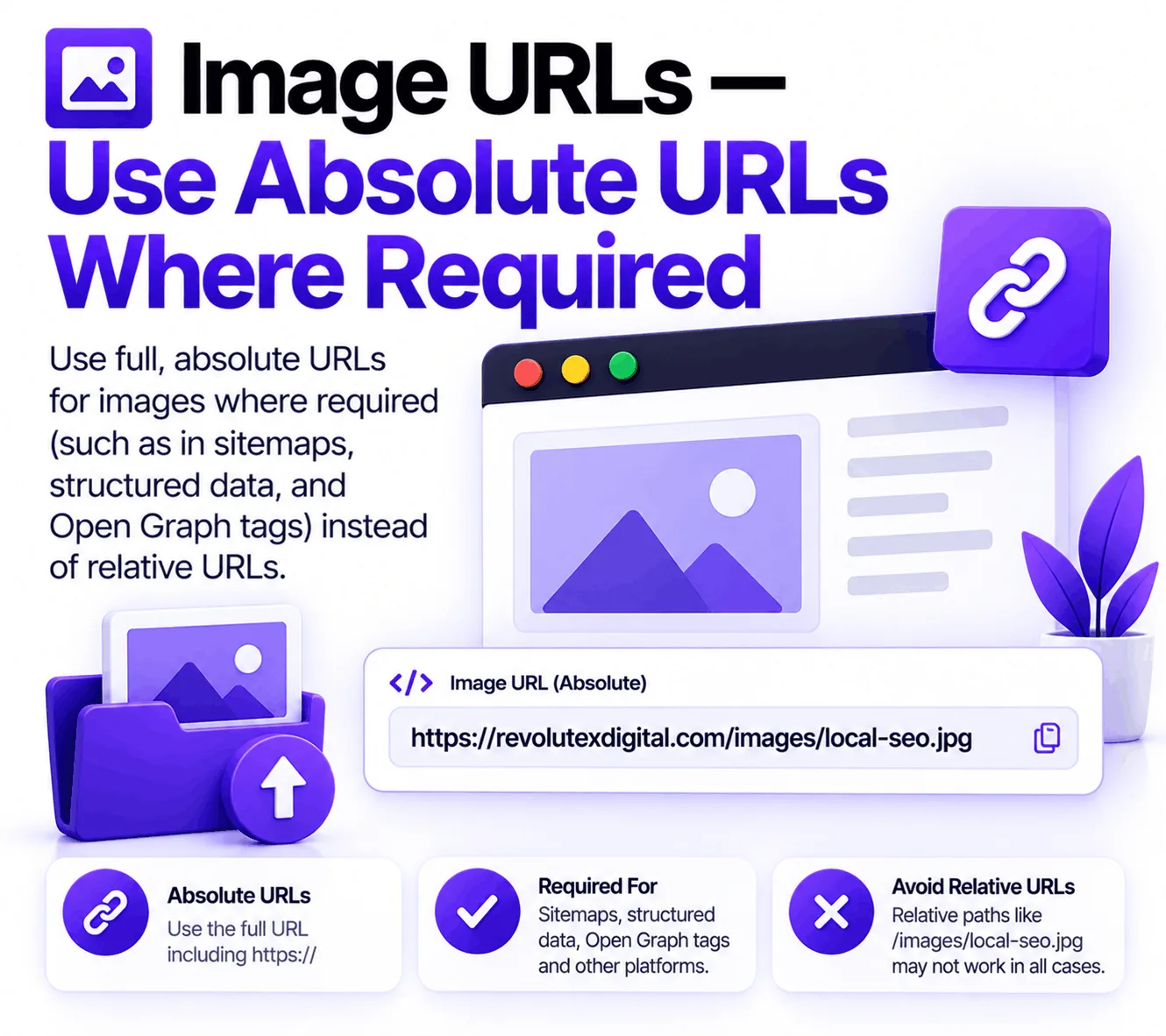
The reference chart lists an absolute URL requirement for image URLs in the relevant technical context.
An absolute URL includes the full address:
https://example.com/images/local-seo.jpgrather than only:
/images/local-seo.jpgWhen implementing structured data or technical image references, follow the specific documentation for that implementation rather than assuming every image reference across the web has identical requirements.
23. Sitemap Encoding
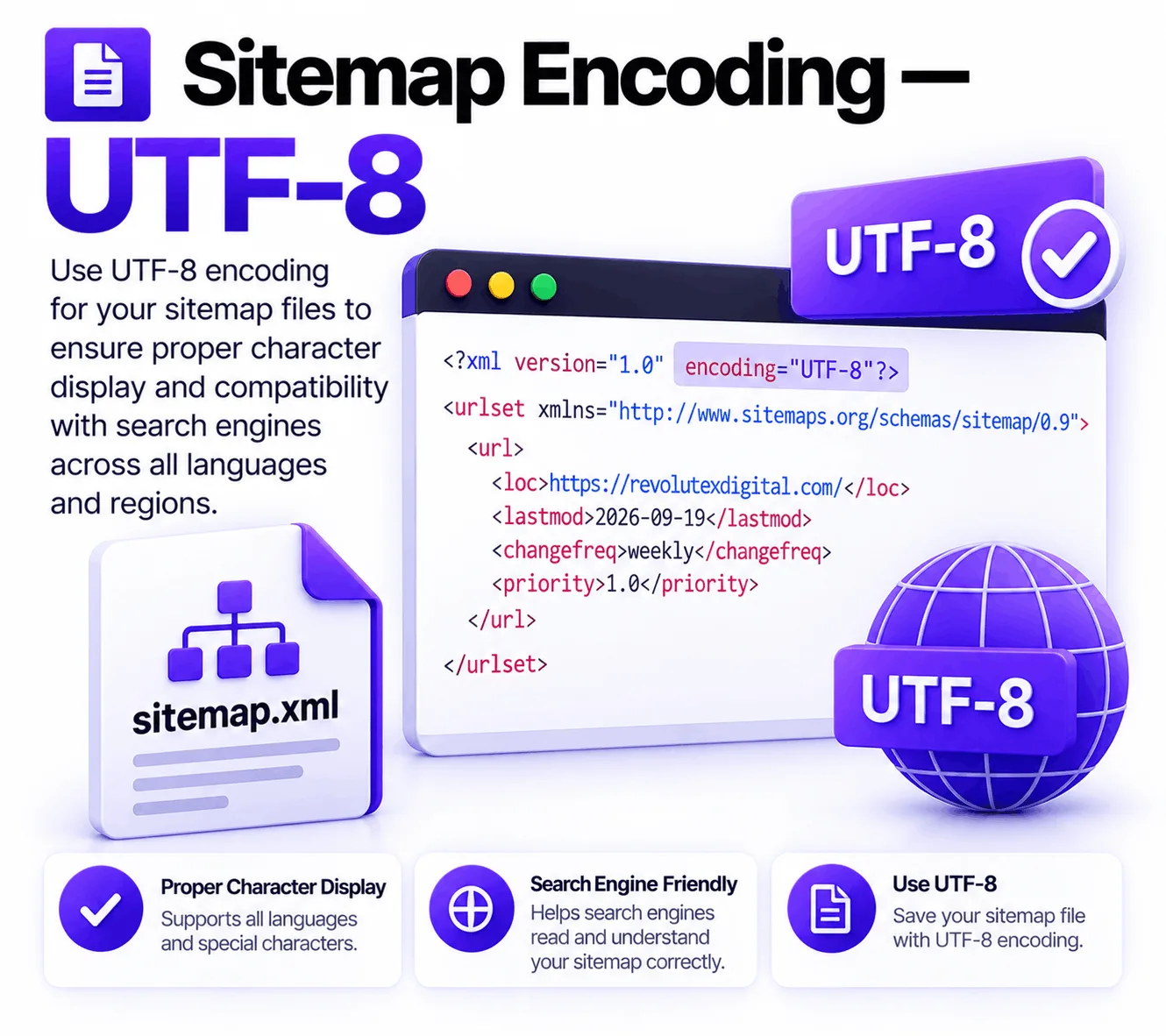
Sitemaps should use UTF-8 encoding.
This matters particularly when URLs contain:
- international characters
- non-English text
- special characters
Encoding problems can create technical issues that are difficult to spot by simply looking at a sitemap in a browser.
For technical SEO audits, encoding should be treated as part of the site’s crawl infrastructure.
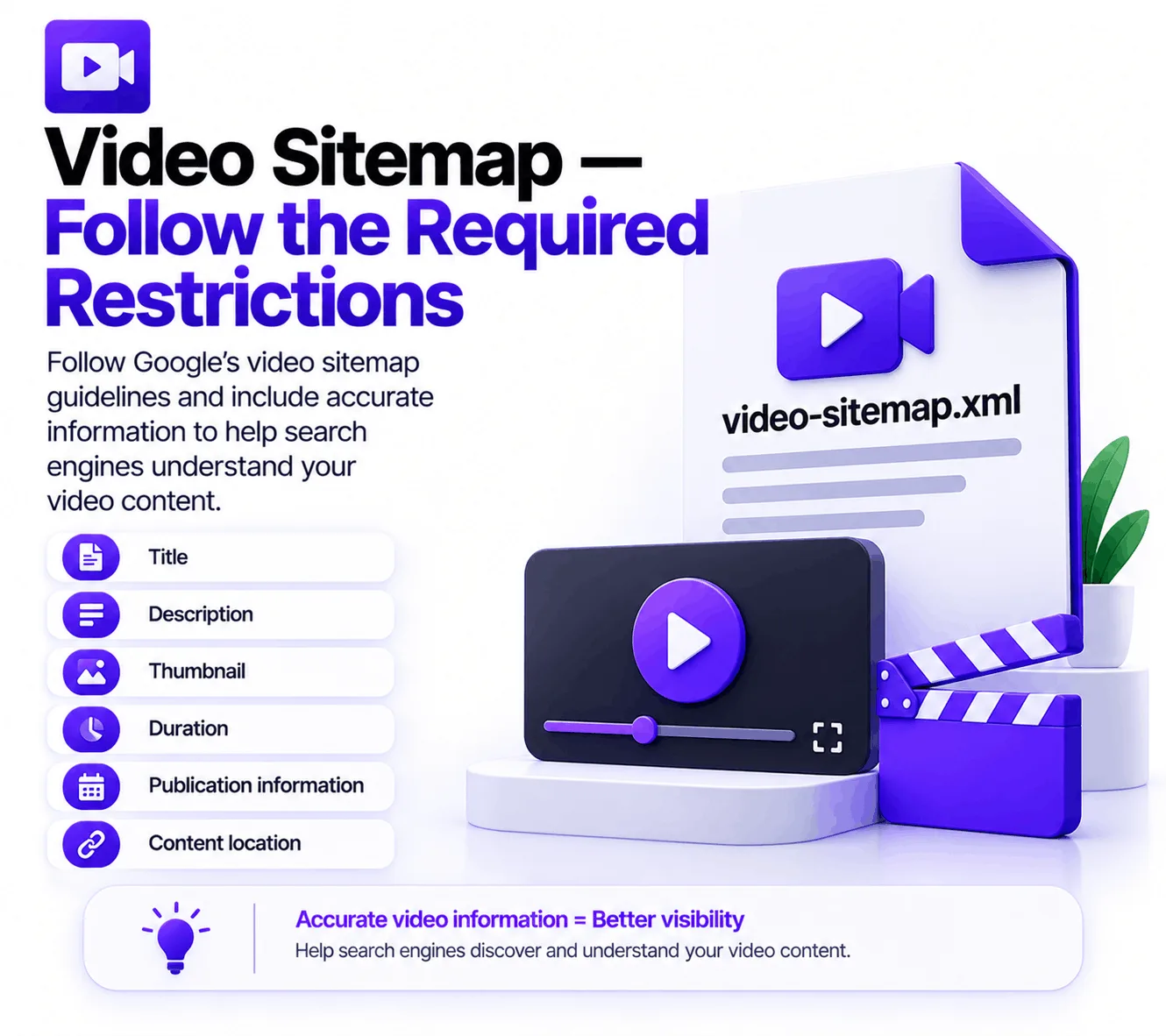
24. Video Sitemap
Video sitemaps contain specialized information about videos.
The important point is that video sitemap requirements are more specific than simply creating a normal XML sitemap and adding video URLs.
Video information can include details such as:
- title
- description
- thumbnail
- duration
- publication information
- content location
Google’s current video documentation explains that structured data can also help Google understand video information and make videos eligible for video-related search features.
If you’re implementing video SEO, check the current technical documentation rather than relying on an old checklist.
25. Web Stories
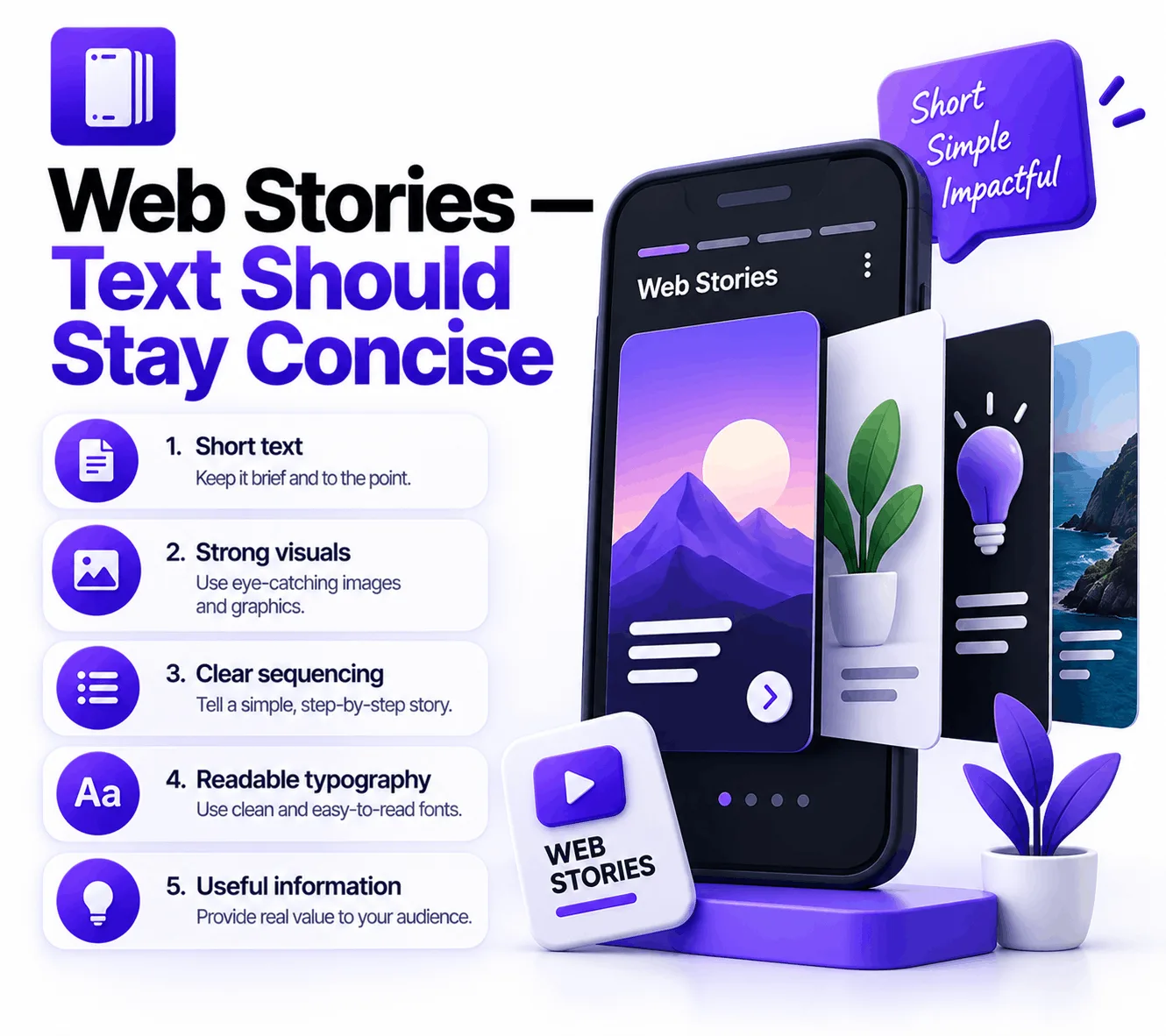
The reference chart lists approximately 280 characters per page for Web Stories text.
But Web Stories are a visual storytelling format, not normal blog pages.
That means the better strategy is to communicate one idea quickly using:
- short text
- strong visuals
- clear sequencing
- readable typography
- useful information
Don’t try to turn every Web Story page into a miniature blog article.
A Simple SEO Audit Checklist
When you’re auditing a website, don’t try to memorize hundreds of SEO numbers.
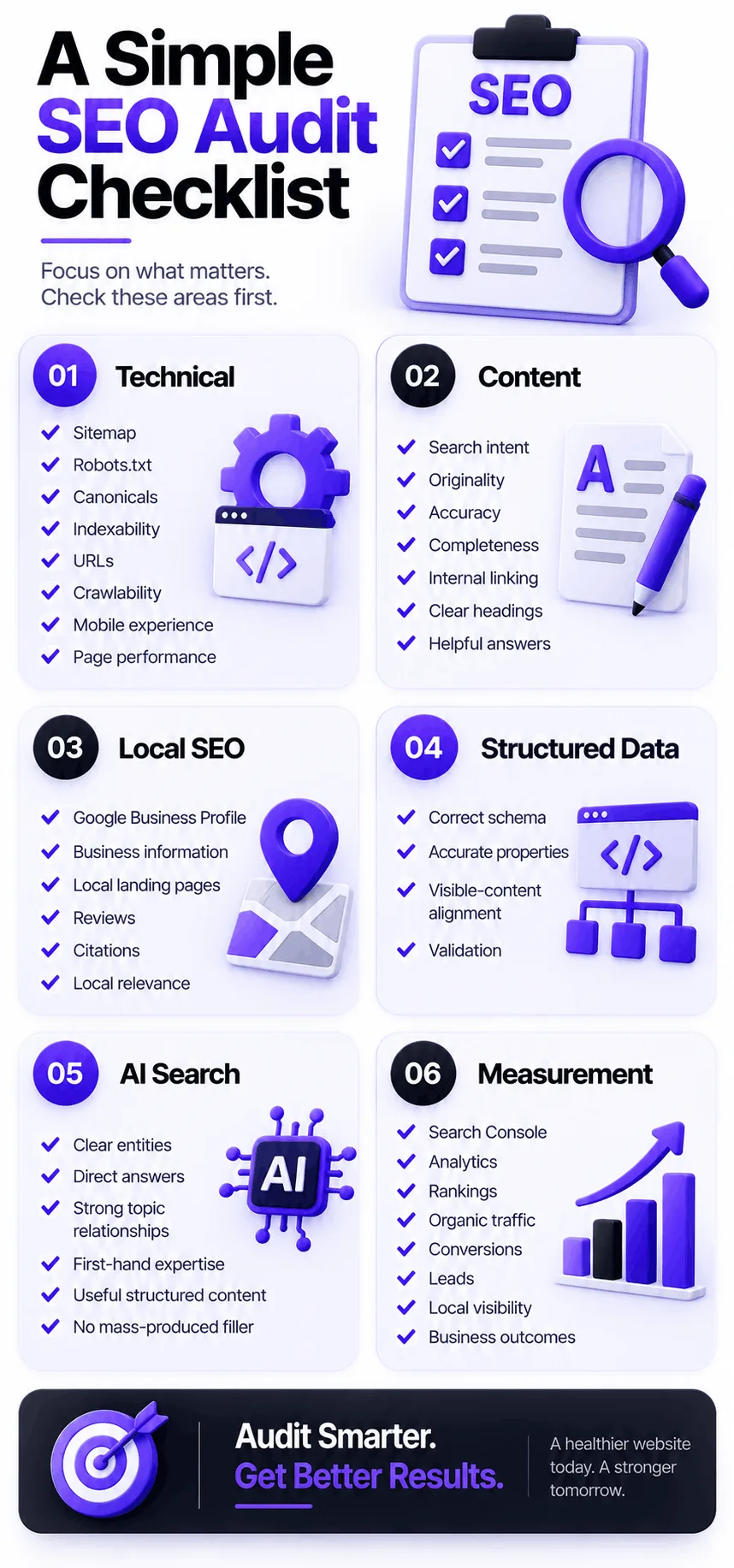
Check these areas first:
Technical
- Sitemap
- Robots.txt
- Canonicals
- Indexability
- URLs
- Crawlability
- Mobile experience
- Page performance
Content
- Search intent
- Originality
- Accuracy
- Completeness
- Internal linking
- Clear headings
- Helpful answers
Local SEO
- Google Business Profile
- Business information
- Local landing pages
- Reviews
- Citations
- Local relevance
Structured Data
- Correct schema
- Accurate properties
- Visible-content alignment
- Validation
AI Search
- Clear entities
- Direct answers
- Strong topic relationships
- First-hand expertise
- Useful structured content
- No mass-produced filler
Measurement
- Search Console
- Analytics
- Rankings
- Organic traffic
- Conversions
- Leads
- Local visibility
- Business outcomes
What to Focus on Instead
At Revolute X Digital, we look at SEO as a complete system rather than a collection of character counters.
The practical workflow is:
1. Understand the Search Intent
↓
2. Create Useful Content
↓
3. Make the Website Crawlable
↓
4. Build Clear Topic & Entity Relationships
↓
5. Strengthen Internal Linking
↓
6. Improve Local & Organic Relevance
↓
7. Measure Search Performance
↓
8. Improve Based on Real Data
That approach is much more sustainable than chasing every new SEO number that appears on social media.
Final Thoughts
SEO limits are useful.
But they should be used as guardrails, not goals.
A sitemap limit tells you how to structure your files.
A robots.txt limit tells you how large that technical file can become.
A favicon requirement helps search engines identify your site.
Structured data helps machines understand your content.
Content guidelines help you avoid outdated assumptions about word counts.
And Google’s current guidance makes it increasingly clear that there is no single number that guarantees search visibility.
The smarter approach is to understand the technical boundaries, follow current documentation, create genuinely useful content, and then measure what happens.
Don’t optimize for an old SEO number.
Optimize for users, search intent, technical accessibility, useful information, and measurable business outcomes.
That’s where sustainable SEO starts.
SEO limits are technical boundaries or guidelines that affect how search engines process elements such as sitemaps, robots.txt files, URLs, images, videos, structured data, and website content. They are not necessarily ranking factors.
There is no universal maximum or ideal word count for SEO content. The appropriate length depends on the topic, search intent, and information users need.
Google does not publish a universal fixed character limit for title tags. Write titles that are clear, descriptive, relevant, and useful rather than targeting an arbitrary number.
There is no universal fixed character limit that guarantees how a meta description will appear. Google may generate search snippets from other page content.
A sitemap can contain up to 50,000 URLs. Larger websites can divide URLs across multiple sitemap files and use a sitemap index.
Google applies a 500 KiB size limit to robots.txt files. Content beyond the limit may be ignored.
No. There is no special word-count limit for AI-generated content. The important issue is whether the content provides meaningful value rather than being produced at scale primarily to manipulate search rankings.
Google's current guidance says llms.txt is not required for Google Search and does not positively or negatively affect Google Search visibility or rankings.
No. Structured data can help Google understand page content and can make pages eligible for certain search features, but Google does not guarantee that a structured-data feature will appear.
There isn't one single most important limit. The important thing is understanding which limits are genuine technical constraints and which are outdated SEO rules or myths.

Zack
Zack Robinson is a Digital Marketing Specialist at Revolute X Digital, specializing in SEO, Local SEO, Google Business Profile optimization, AI automation, and lead generation. He helps businesses improve their online visibility, attract qualified customers, and achieve sustainable growth through data-driven digital marketing strategies.