
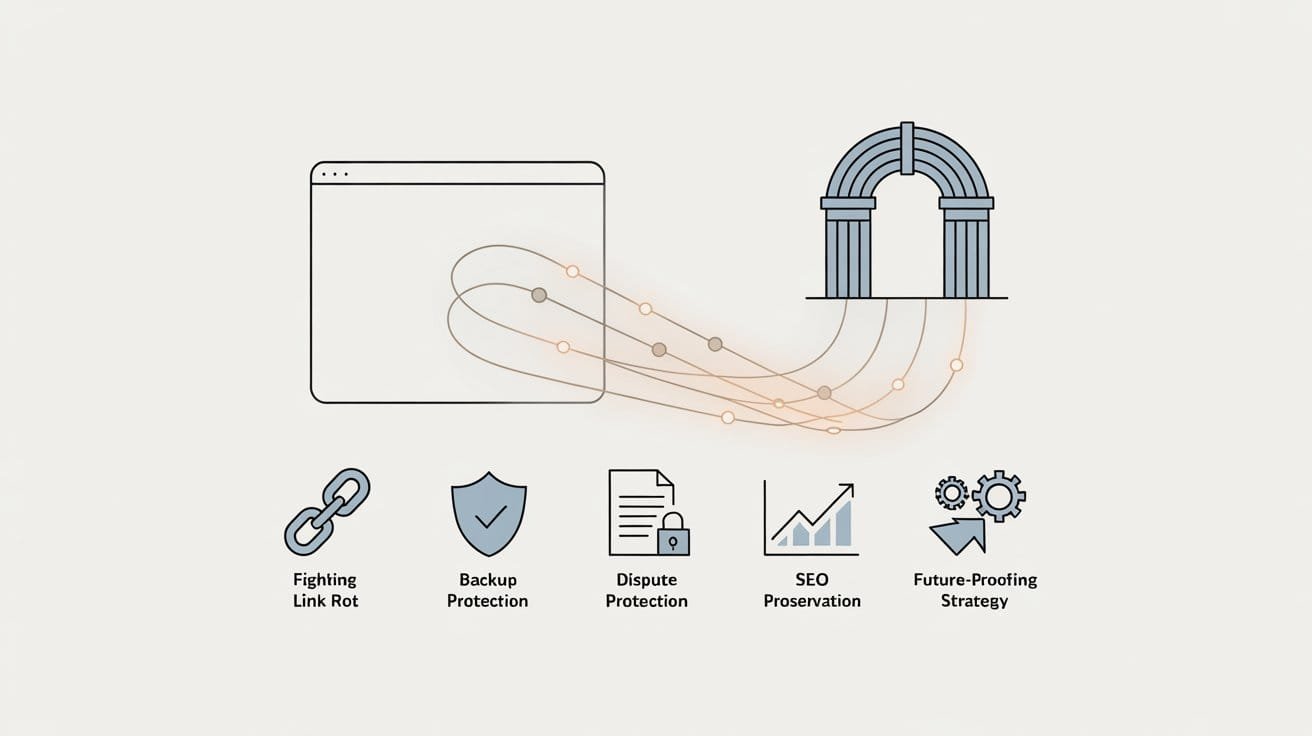
The Internet Archive is usually treated as nostalgia, a place to see what a website looked like ten years ago. With its new official WordPress plugin, it becomes something much more practical, a safety net for your content, your links, and even parts of your SEO.
The plugin, Internet Archive Wayback Machine Link Fixer, connects your WordPress site directly to the Wayback Machine. It scans links in your posts, checks for archived versions, and automatically saves snapshots when needed.
Why does This New Internet Archive Plugin Actually Matter?
Here are five reasons this should not be “just another plugin” on your nice-to-have list. It should be part of your core stack.
- It Fights Link Rot Automatically
Link rot is simple. Over time, pages you link to disappear, move, or break. The result.
- Visitors hit 404 pages
- Credibility takes a knock
- Helpful content slowly turns into a maze of dead ends
The Internet Archive plugin tackles this in the background.
- It scans outbound links in your posts when you save them and across existing content
- For each link, it checks if the Wayback Machine already has a snapshot
- If not, it can create one
- If the live page breaks later, the plugin can redirect users to the archived copy.
You still need proper internal redirects and domain hygiene. This plugin ensures your external references do not degrade over time. For long-running blogs, documentation sites, and resource libraries, that is a serious UX win.
- It Quietly Backs Up your Own Content to the Wayback Machine
Most people think of the Wayback Machine as a crawler that might eventually pick up their site. The plugin flips that logic.
Once connected, you can opt in so that your posts and pages are proactively saved to the Internet Archive, instead of waiting for a random crawl.
That gives you a second line of defence beyond your normal backups.
- If your host fails, you still have a copy of the public content
- If you accidentally delete or overwrite an important page, you have an external snapshot
- If you ship a redesign that breaks key layouts, you can quickly check the old version
No serious business should rely on the Internet Archive as its primary backup solution, but as an independent historical record, it is extremely valuable. Especially when that record is updated automatically every time you publish or edit.
- It Strengthens Your Position in Content and Business Disputes
In messy situations, timestamps matter.
The Internet Archive is an independent, non-profit organization. Entries are timestamped and cannot be quietly edited by you or your competitors. That makes archived pages a useful piece of evidence when.
- Someone claims they published a piece of content before you
- A partner or supplier disputes what your pricing or terms used to be
- You need to show how a page looked at a specific point in time
By automatically archiving your important pages, the plugin helps create a verifiable trail of how your site changed over time, without you having to remember to hit “Save Page Now” manually. If you run a brand that publishes original research, policy, or pricing-sensitive information, this alone justifies the install.
- It Helps Preserve SEO Value When the Web Around you Changes
The plugin is not a magic SEO button. You still need sound technical SEO, strong content, and a clean internal architecture, which the plugin does do.
- Keeps your outbound references live via archived versions, which improves user experience and time on page
- Makes it easier to recover old content if you have to migrate domains or rebuild parts of your site
- Helps you spot where link rot is worst, so you can tighten redirect strategies and content updates.
If you change domains or restructure a section, you can use the Internet Archive to see exactly what an old URL used to contain. That reduces guesswork while mapping redirects and rebuilding pages, which means you stand a better chance of keeping earned authority and backlinks working for you instead of bleeding out over time.
Again, the SEO benefit is indirect but real. Better continuity, fewer dead ends, and a clearer path to recreating successful old pages when you need them.
- It Future Proofs your Content Strategy and Research
The Wayback Machine is also a competitive research and content planning tool. When you have good historical archives for your own site and others in your space, you can.
- Review how key competitors evolved their messaging and offers
- Study which pages they retired, merged, or doubled down on
- Compare your old positioning against today’s reality to see if you are actually moving forward
Because the plugin ensures your own content is reliably saved, you can treat your site history as a strategic dataset rather than just a blur of old files. Combine this with your analytics and search console data, and you get a fact-based view of what actually changed around the moments when traffic, rankings, or conversions moved.
For marketing teams, that context is gold. It keeps “strategy” grounded in real changes, not just feelings about what probably happened three redesigns ago.
Getting Started is Straightforward
The plugin is free and officially maintained in collaboration between the Internet Archive and Automattic, which powers WordPress.com.
The basic onboarding looks like this.
- Install the Internet Archive Wayback Machine Link Fixer from the WordPress plugin repository
- Create a free Internet Archive account if you do not have one already
- Generate and add your API credentials so WordPress can talk to the Wayback Machine.
- Configure how aggressively you want it to scan old posts and archive new ones
- Review the first few reports to understand where your worst link rot lives
Once set, it runs in the background – low maintenance, high leverage.
Final Thought!
Installing the Internet Archive plugin is easy. Using it as part of a deliberate content and SEO strategy is where the real value sits.
RevoluteX Digital helps brands bake tools like the Wayback Machine plugin into a broader system. One that covers technical SEO, migration planning, content governance, and long-term protection of digital assets. If you want your WordPress site to be resilient, recoverable, and built for the long game instead of just the next campaign, our team can design and implement that framework with you. Contact us today!

Jason
We are an Affordable Digital Marketing Agency in Shawnee with budget-friendly solutions to amplify your brand. Elevate your business without compromising quality or cost.